Library / Articles
Authentication Log v6.0.0
We're excited to announce the release of Laravel Authentication Log v6.0.0! This major release brings significant improvements to security, user experience, and developer productivity. With support for Laravel 11.x and 12.x, enhanced suspicious activity detection, comprehensive session management, and numerous bug fixes, this release represents a substantial step forward for the package.
Laravel Authentication Log v6.0.0: A Major Release with Enhanced Security & Modernization
🎯 What's New in v6.0.0?
Version 6.0.0 is a major release that modernizes the package for Laravel 11.x and 12.x while introducing powerful new features that make authentication logging more intelligent, secure, and user-friendly. Whether you're tracking user logins, managing device trust, or detecting suspicious activity, v6.0.0 has something for everyone.
⚠️ Breaking Changes
Before diving into the exciting new features, it's important to note the breaking changes:
- Laravel 10.x support dropped: This package now only supports Laravel 11.x and 12.x
- PHP 8.1+ required: Minimum PHP version is now 8.1
- Database migration required: Existing installations must run the upgrade migration to add new columns
Don't worry—the upgrade process is straightforward, and we'll cover it at the end of this post.
🚀 Major New Features
1. Suspicious Activity Detection
One of the most powerful additions in v6.0.0 is automatic suspicious activity detection. The package can now intelligently identify and flag potentially malicious login patterns:
- Multiple failed login attempts: Automatically detect when someone is trying to brute-force an account
- Rapid location changes: Flag logins from geographically distant locations in short timeframes
- Unusual login times: Configure "normal" business hours and get alerts for logins outside those windows
1'suspicious' => [2 'failed_login_threshold' => 5,3 'check_unusual_times' => false,4 'usual_hours' => [9, 10, 11, 12, 13, 14, 15, 16, 17],5],This feature helps you proactively identify security threats before they become serious issues.
2. Suspicious Activity Notifications
NEW in v6.0.0: Users can now receive email, Slack, or SMS notifications when suspicious activity is detected on their accounts.
Important: This feature is disabled by default (SUSPICIOUS_ACTIVITY_NOTIFICATION=false) to give you control over when and how users are notified. This opt-in approach ensures:
- No notification fatigue: Users only receive alerts if you explicitly enable them
- Flexibility: You can enable notifications for specific user groups or environments
- Control: You decide when suspicious activity warrants user notification vs. just logging
When you're ready to enable it, simply add to your .env file:
1// In your .env file2SUSPICIOUS_ACTIVITY_NOTIFICATION=true3SUSPICIOUS_ACTIVITY_NOTIFICATION_RATE_LIMIT=34SUSPICIOUS_ACTIVITY_NOTIFICATION_RATE_LIMIT_DECAY=60Or configure it directly in config/authentication-log.php:
1'notifications' => [2 'suspicious-activity' => [3 'enabled' => env('SUSPICIOUS_ACTIVITY_NOTIFICATION', false),4 'rate_limit' => env('SUSPICIOUS_ACTIVITY_NOTIFICATION_RATE_LIMIT', 3),5 'rate_limit_decay' => env('SUSPICIOUS_ACTIVITY_NOTIFICATION_RATE_LIMIT_DECAY', 60),6 ],7],When enabled, users receive detailed notifications for:
- Multiple failed login attempts
- Rapid location changes
- Unusual login times (if enabled)
Notifications include comprehensive details about the suspicious activity, login time, IP address, browser, and location (if available). Built-in rate limiting prevents notification spam—users will receive a maximum of 3 notifications per hour (configurable), ensuring they aren't overwhelmed with alerts even if multiple suspicious activities are detected.
3. Comprehensive Session Management
Session management has been completely overhauled, giving you fine-grained control over user sessions:
- View all active sessions for a user
- Revoke specific sessions
- Revoke all other sessions (keeping the current device active)
- Revoke all sessions
- Track last activity timestamp
1// Get all active sessions 2$sessions = $user->getActiveSessions(); 3 4// Revoke a specific session 5$user->revokeSession($sessionId); 6 7// Revoke all other sessions (keep current device) 8$user->revokeAllOtherSessions($currentDeviceId); 9 10// Revoke all sessions11$user->revokeAllSessions();This is perfect for implementing "logout from all devices" functionality or managing sessions in a security dashboard.
4. Device Fingerprinting & Trust Management
Device fingerprinting has been significantly improved to prevent false positives while adding powerful trust management features:
- Normalized user agent strings: Browser version updates (e.g., Safari 14.1.2 → 15.1) no longer trigger false "new device" notifications
- Device trust management: Mark devices as trusted or untrusted
- Device naming: Give devices friendly names for better user experience
1// Get all devices 2$devices = $user->getDevices(); 3 4// Trust/untrust devices 5$user->trustDevice($deviceId); 6$user->untrustDevice($deviceId); 7 8// Check if device is trusted 9if ($user->isDeviceTrusted($deviceId)) {10 // Allow access to sensitive features11}5. Powerful Query Scopes
New query scopes make filtering authentication logs incredibly easy:
1// Get suspicious activities from the last 24 hours2AuthenticationLog::suspicious()->recent(24)->get();3 4// Count failed attempts in the last hour5$user->authentications()->failed()->recent(1)->count();6 7// Get all successful logins from a specific IP8AuthenticationLog::successful()->fromIp('192.168.1.1')->get();Available scopes include:
successful()- Only successful loginsfailed()- Only failed attemptsfromIp($ip)- Filter by IP addressrecent($hours)- Recent logssuspicious()- Suspicious activitiestrusted()- Trusted devices onlyfromDevice($deviceId)- Specific deviceforUser($user)- Specific useractive()- Active sessions
6. Statistics & Insights
Get comprehensive authentication statistics with simple method calls:
1// Get all stats in one call 2$stats = $user->getLoginStats(); 3// Returns: [ 4// 'total_logins' => 150, 5// 'failed_attempts' => 3, 6// 'unique_devices' => 5, 7// 'suspicious_activities' => 1, 8// ] 9 10// Or get individual stats11$totalLogins = $user->getTotalLogins();12$failedAttempts = $user->getFailedAttempts();13$uniqueDevices = $user->getUniqueDevicesCount();Perfect for building admin dashboards or user profile pages.
7. Rate Limiting for Notifications
Prevent notification spam with configurable rate limiting:
1'new-device' => [2 'rate_limit' => 3,3 'rate_limit_decay' => 60, // minutes4],Separate limits can be configured for new device, failed login, and suspicious activity notifications, with automatic rate limit decay.
8. Device Trust Middleware
Restrict access to trusted devices only with a simple middleware:
1Route::middleware(['auth', \Rappasoft\LaravelAuthenticationLog\Middleware\RequireTrustedDevice::class])2 ->group(function () {3 // Protected routes - only accessible from trusted devices4 });This is perfect for protecting sensitive areas of your application.
9. Export Functionality
Export authentication logs to CSV or JSON for analysis or compliance:
1php artisan authentication-log:export --format=csv --path=storage/app/logs.csv2php artisan authentication-log:export --format=jsonGreat for generating reports or integrating with external systems.
10. Webhook Support
Send webhooks for authentication events to integrate with external services:
1'webhooks' => [2 [3 'url' => 'https://example.com/webhook',4 'events' => ['login', 'failed', 'new_device', 'suspicious'],5 'headers' => [6 'Authorization' => 'Bearer your-token',7 ],8 ],9],Perfect for integrating with security monitoring systems, Slack notifications, or custom analytics platforms.
11. Enhanced Notifications
Notifications have been improved with:
- Support for Vonage (formerly Nexmo) SMS notifications
- Custom notification templates
- Improved email templates with better error handling
- NEW: Suspicious activity notifications (disabled by default)
12. Session Restoration Prevention
Fixes a long-standing issue (#13) where page refreshes and remember-me cookies were creating duplicate log entries. The package now intelligently detects session restorations and updates last_activity_at instead of creating new entries.
1'prevent_session_restoration_logging' => true,2'session_restoration_window_minutes' => 5,13. Configurable New User Threshold
Reduce false positives for new users connecting from multiple devices or locations shortly after registration:
1'new-device' => [2 'new_user_threshold_minutes' => 1, // Default: 1 minute3],🐛 Bug Fixes
This release includes fixes for several important issues:
Fixed: Browser Version Updates Triggering False Notifications (#40)
Browser version updates (e.g., Safari 14.1.2 → 15.1) no longer trigger false "new device" notifications. Device fingerprinting now normalizes user agent strings by removing version numbers.
Fixed: Session Restoration Logging (#13, #82)
Session restorations (page refreshes, remember me cookies) no longer create duplicate log entries. The package now detects and handles session restorations automatically.
Fixed: SQL Server Duplicate ORDER BY Error (#48, #87, #111)
Fixed SQL Server error "A column has been specified more than once in the order by list" by removing duplicate orderByDesc('login_at') calls.
Fixed: Model Exception for Models Without Trait (#33, #58)
All listeners now check if the authenticatable model implements the AuthenticationLoggable trait before processing, preventing BadMethodCallException errors when using multiple authenticatable models.
📦 Installation & Upgrade
New Installation
1composer require rappasoft/laravel-authentication-log2php artisan vendor:publish --provider="Rappasoft\LaravelAuthenticationLog\LaravelAuthenticationLogServiceProvider"3php artisan migrateUpgrading from v5.x or Earlier
1composer update rappasoft/laravel-authentication-log2php artisan vendor:publish --provider="Rappasoft\LaravelAuthenticationLog\LaravelAuthenticationLogServiceProvider" --tag="authentication-log-migrations"3php artisan migrateThe upgrade migration will safely add new columns to your existing authentication_log table without data loss.
🧪 Testing
This release includes comprehensive test coverage:
- 110 tests passing (236 assertions)
- Tests for all new features
- Tests for session restoration prevention
- Tests for device fingerprinting normalization
- Tests for suspicious activity detection
- Tests for suspicious activity notifications (including rate limiting, enabled/disabled states, and all detection types)
- Tests for all query scopes and statistics
- Tests for edge cases and boundary conditions
🙏 Community Contributions
This release wouldn't have been possible without the Laravel community. Thank you to everyone who submitted issues, pull requests, and feedback! Special thanks to contributors who helped implement:
- Laravel 11 & 12 support
- Suspicious activity detection
- Suspicious activity notifications
- Session management features
- Device trust management
- Query scopes
- Export functionality
- Webhook support
- And many more improvements!
📖 Documentation
Comprehensive documentation is available at rappasoft.com/docs/laravel-authentication-log, including:
- Complete upgrade guide
- All new features documented with examples
- Configuration reference
- Usage examples for all features
- UI Examples: Ready-to-use examples for displaying authentication logs:
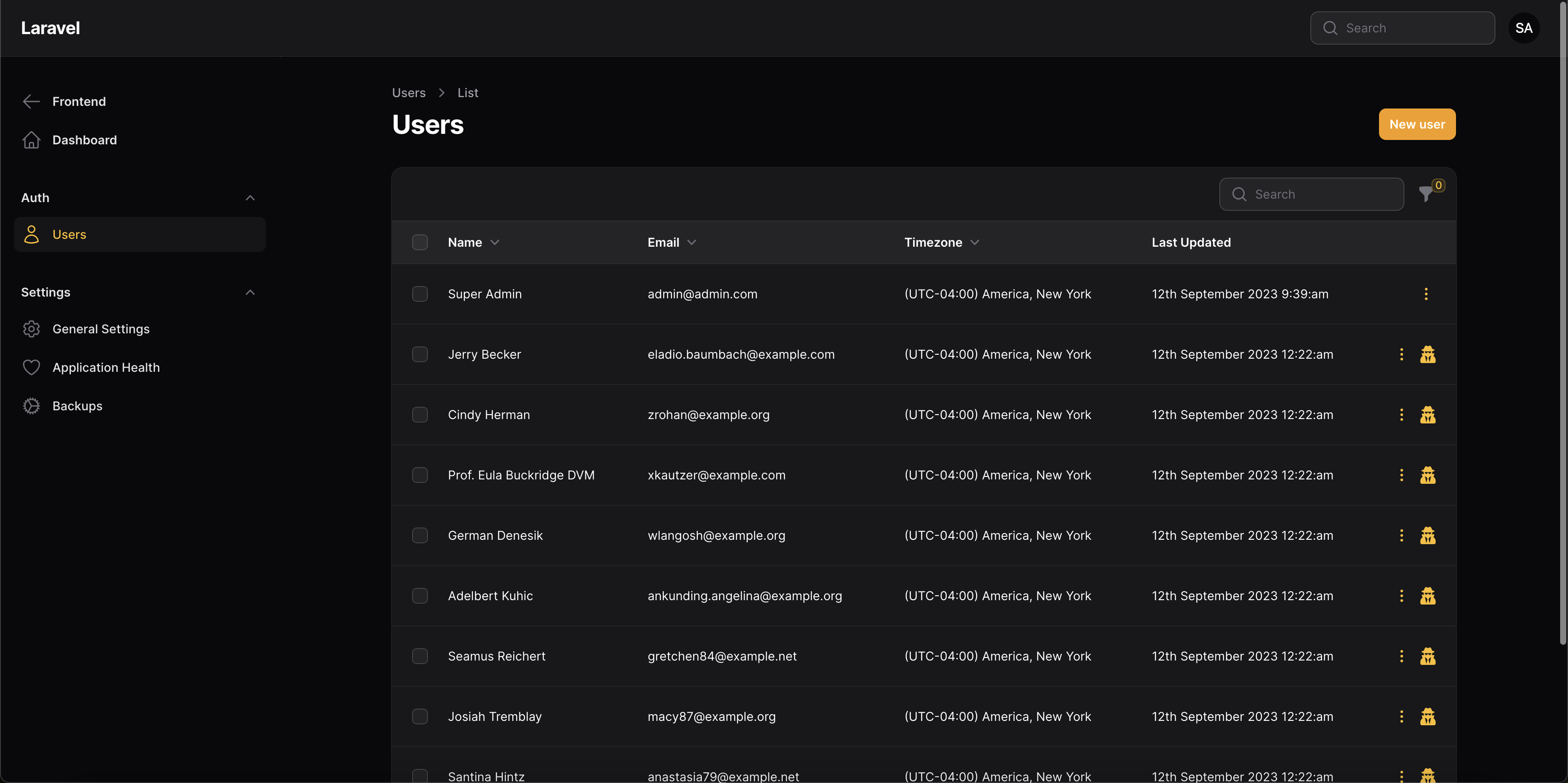
- Filament Tables: Complete Filament Resource and Page examples with filters, actions, and all columns configured
- Livewire Tables: Example using Laravel Livewire Tables plugin
- Both examples include proper query scoping, search functionality, and filtering options
The documentation now includes practical examples for both Filament and Livewire Tables, making it easy to display authentication logs in your application's UI. Whether you're using Filament's admin panel or building custom Livewire components, you'll find working examples to get started quickly.
🎉 Conclusion
Laravel Authentication Log v6.0.0 represents a significant evolution of the package, bringing enterprise-grade security features, improved developer experience, and better user management capabilities. The addition of suspicious activity notifications gives users real-time alerts about potential security threats, while the comprehensive session management and device trust features provide fine-grained control over account security.
Whether you're building a simple authentication log or a comprehensive security monitoring system, v6.0.0 has the tools you need. The package remains lightweight and focused on its core purpose while providing powerful features that can be enabled as needed.
We're excited to see what you build with these new features! If you have questions, feedback, or feature requests, please don't hesitate to reach out on GitHub.
Ready to upgrade? Check out the upgrade guide and start taking advantage of all the new features in v6.0.0!