
Rappasoft app / macOS
Docklock: Your Dock. Locked.
A home for your Dock.
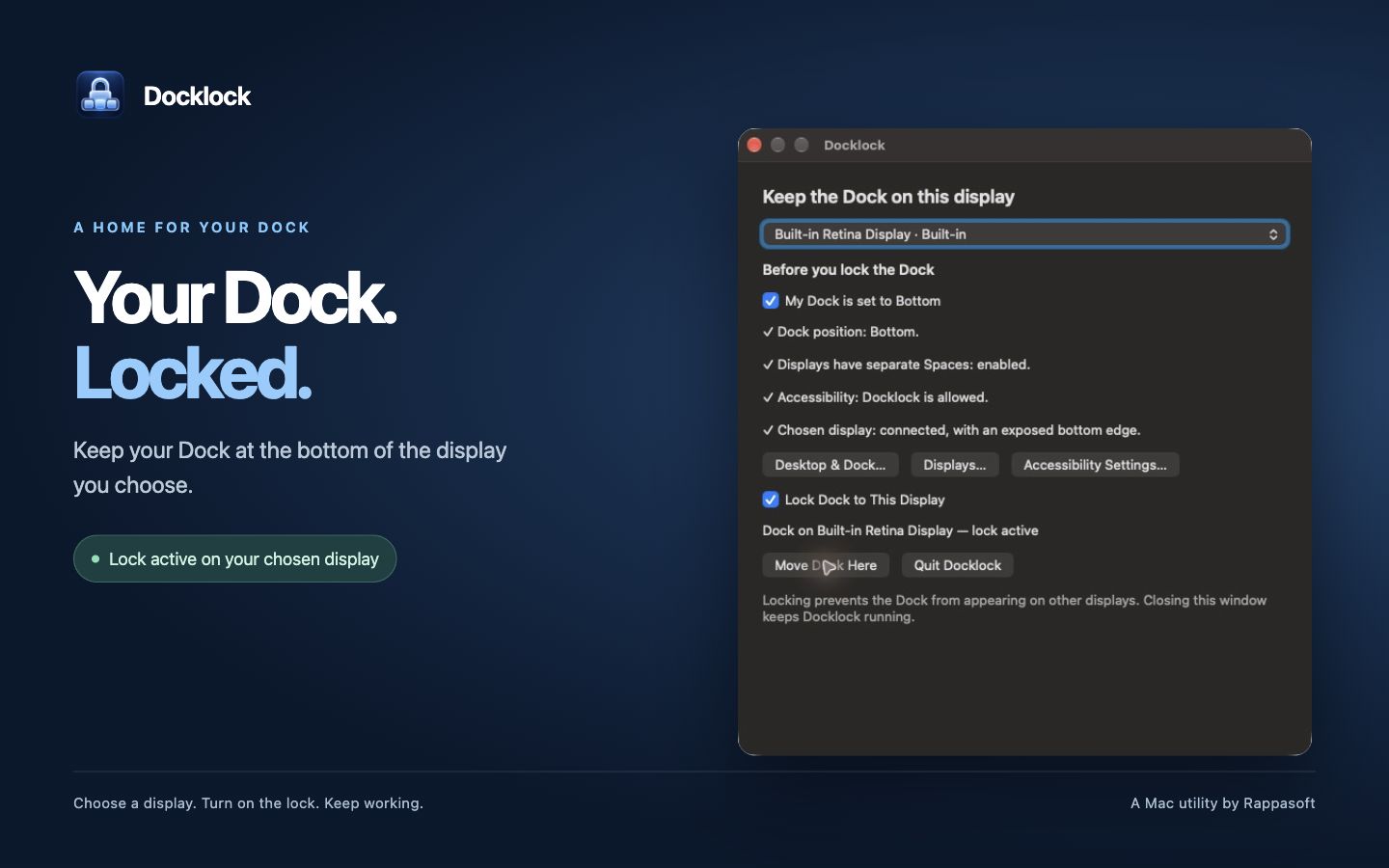
Keep Apple's familiar Dock at the bottom of the display you choose. Docklock helps stop it jumping to another screen when your pointer reaches the bottom edge.
01 / Keep it in place
Your display. Your Dock.
Pick your laptop screen or an external monitor, then turn on the lock. Docklock remembers your choice and pauses if that display disconnects.
02 / Simple controls
Choose, lock, and get back to work.
The menu bar keeps Docklock close by. Closing its control window keeps the lock running.
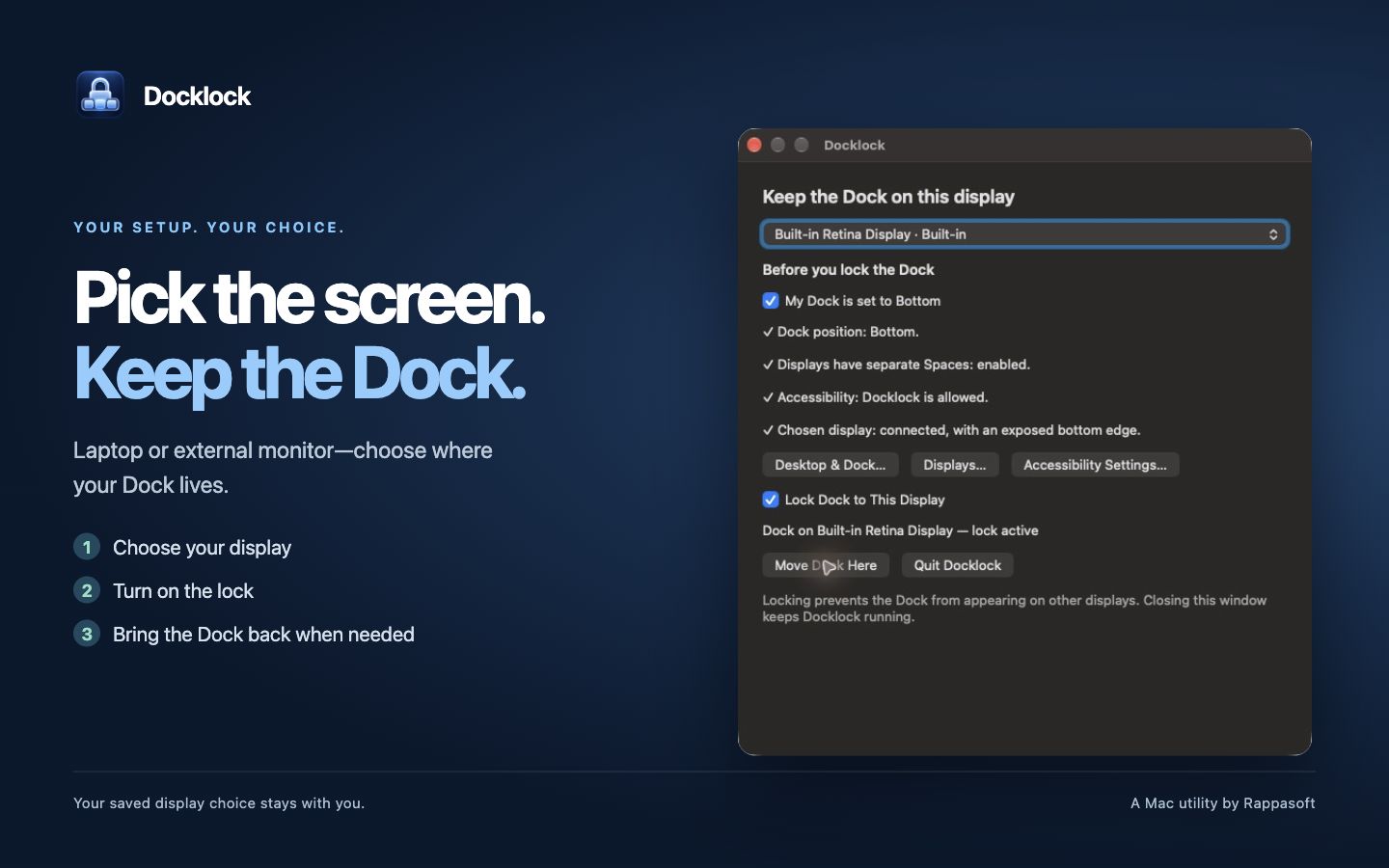
Pick the display
Choose where the Dock lives, pause the lock whenever you need, or use Move Dock Here to bring it back. Sleep and wake preserve your selected display and lock setting.
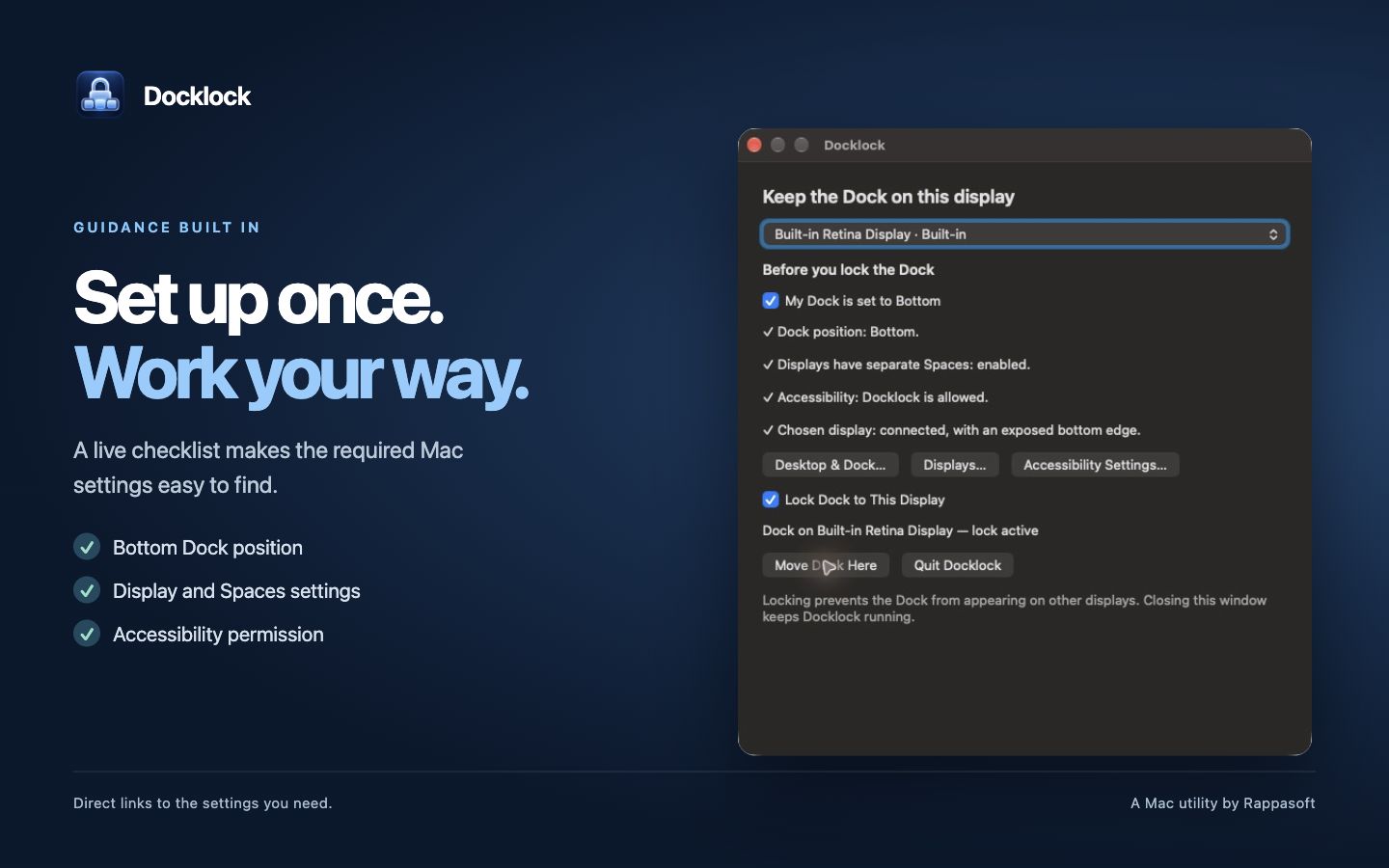
See what your Mac needs
A setup checklist helps you confirm the bottom Dock position and checks display availability, Spaces, and Accessibility permission. Buttons open the relevant macOS settings. Docklock does not change those settings for you.
03 / Setup and support
Get your Dock ready.
Docklock supports the bottom Dock position on macOS 13 or later. Purchase and download are handled by Lemon Squeezy; use the license key from your receipt to activate up to two Macs. Updates are checked securely within the app. Docklock has been tested on Apple silicon with macOS 27.0.1.
- Open Docklock and choose a connected display with an exposed bottom edge.
- Use Desktop & Dock to set the Dock position to Bottom. Enable Displays have separate Spaces when choosing a non-main display; log out and back in if macOS asks.
- Use Accessibility Settings to allow Docklock, then return to the app.
- Enter the key from your purchase receipt, then turn on Lock Dock to This Display. If the Dock is elsewhere, choose Move Dock Here and leave the pointer still briefly.
The Dock did not move back.
macOS controls Dock placement. Move Dock Here briefly moves your pointer to help relocate it, and stops when you use the mouse. If macOS does not accept the move, push the pointer against the selected display's exposed bottom edge.
The selected display is disconnected or covered.
Docklock pauses when the selected display is unavailable, including when a laptop's built-in screen disconnects in closed-lid mode. If another screen covers its entire bottom edge, adjust the display arrangement or choose a screen with an exposed edge.
Can I still use the bottom edge of other displays?
The guard affects only a thin strip along their exposed bottom edges. Controls and Hot Corners in that strip may be harder to reach. Pause the lock when needed; shared edges between displays stay open for pointer travel.
Does Docklock collect data?
The app runs locally without analytics or an account. It saves your chosen display and lock setting on your Mac. Read the Docklock privacy policy.
Docklock support
Email [email protected] with your macOS and Docklock versions, your display arrangement, and what happened. Please leave passwords and unrelated private screen content out of any screenshots.