
Rappasoft app / iOS
Anvil for Laravel Forge
The mobile companion for Laravel Forge.
Manage your servers, deploy sites, and monitor your infrastructure from anywhere. Keep your Forge organizations, sites, and configuration within reach.
01 / Your infrastructure
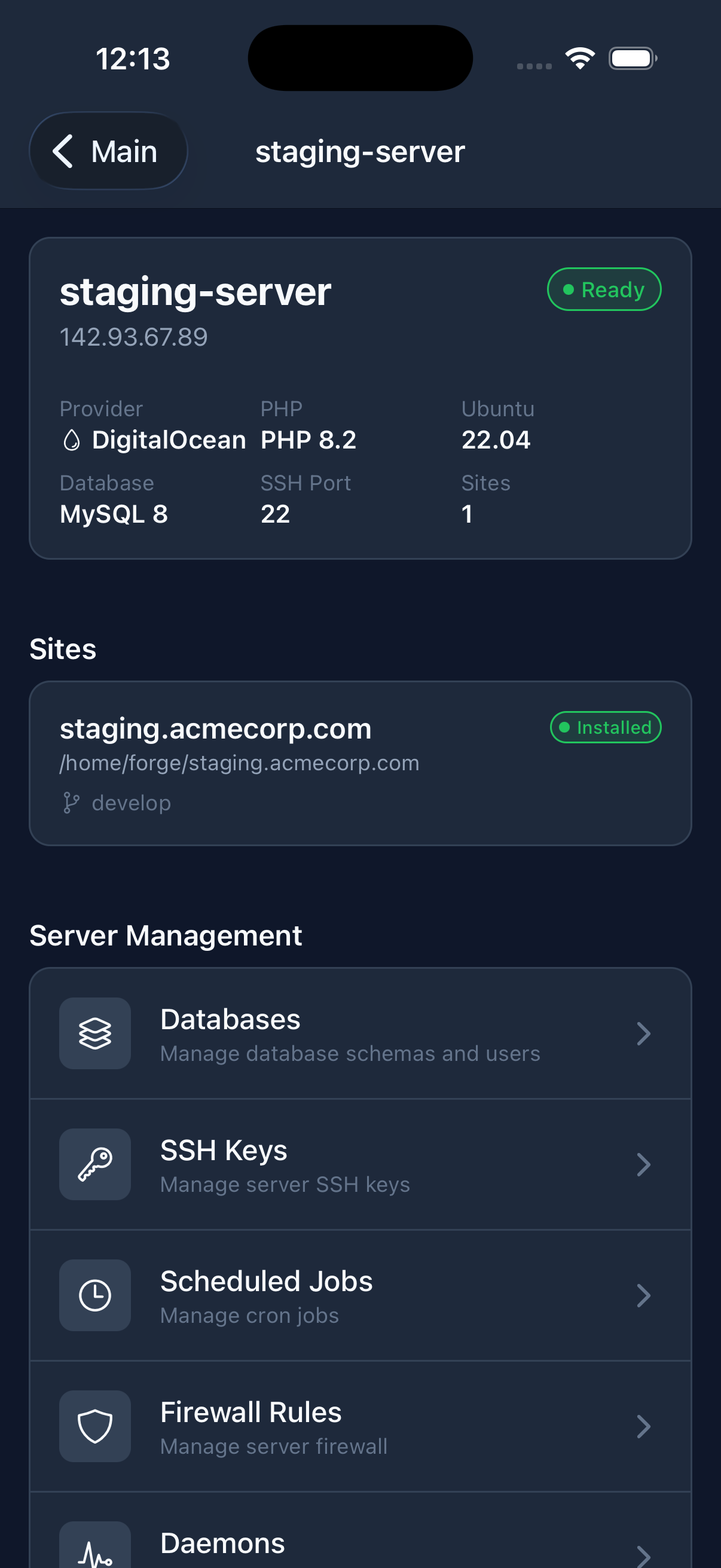
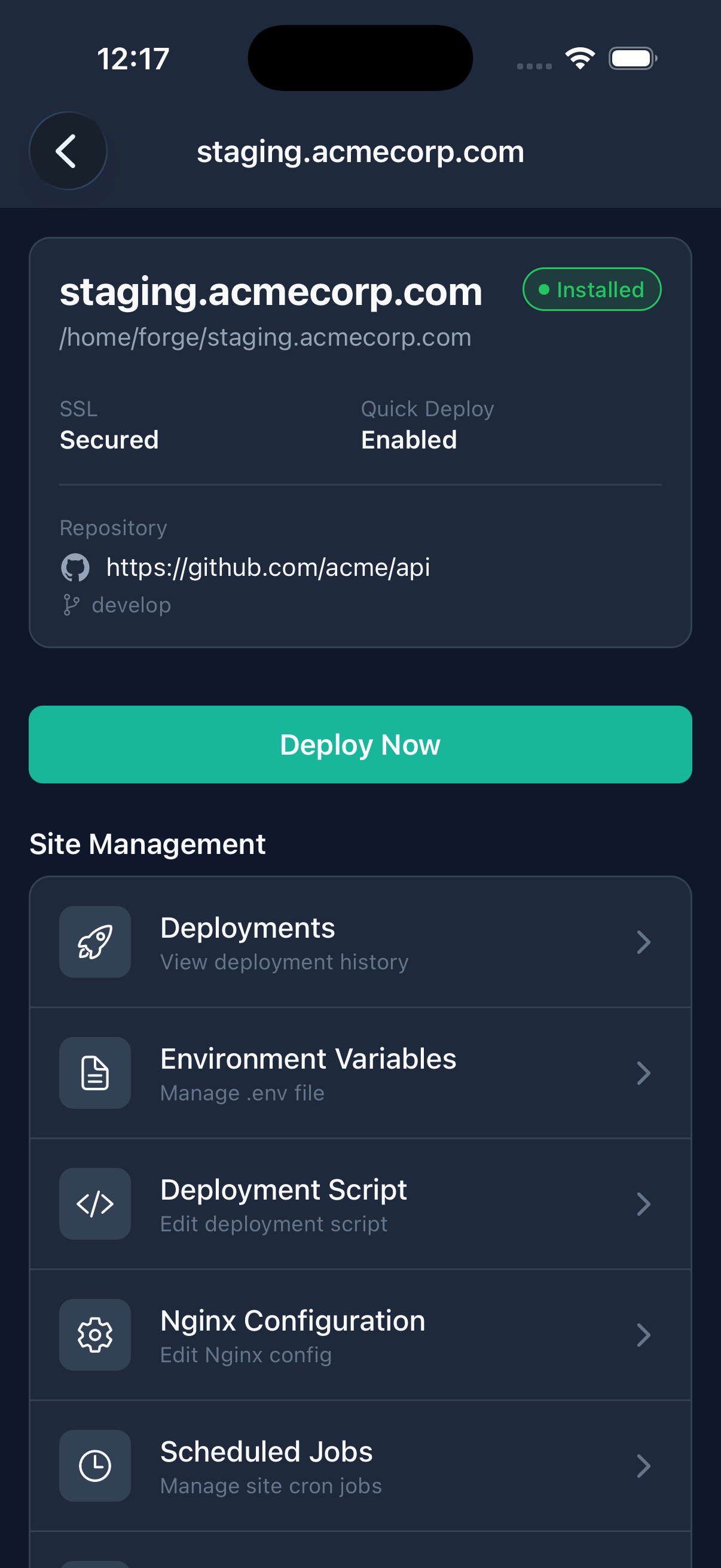
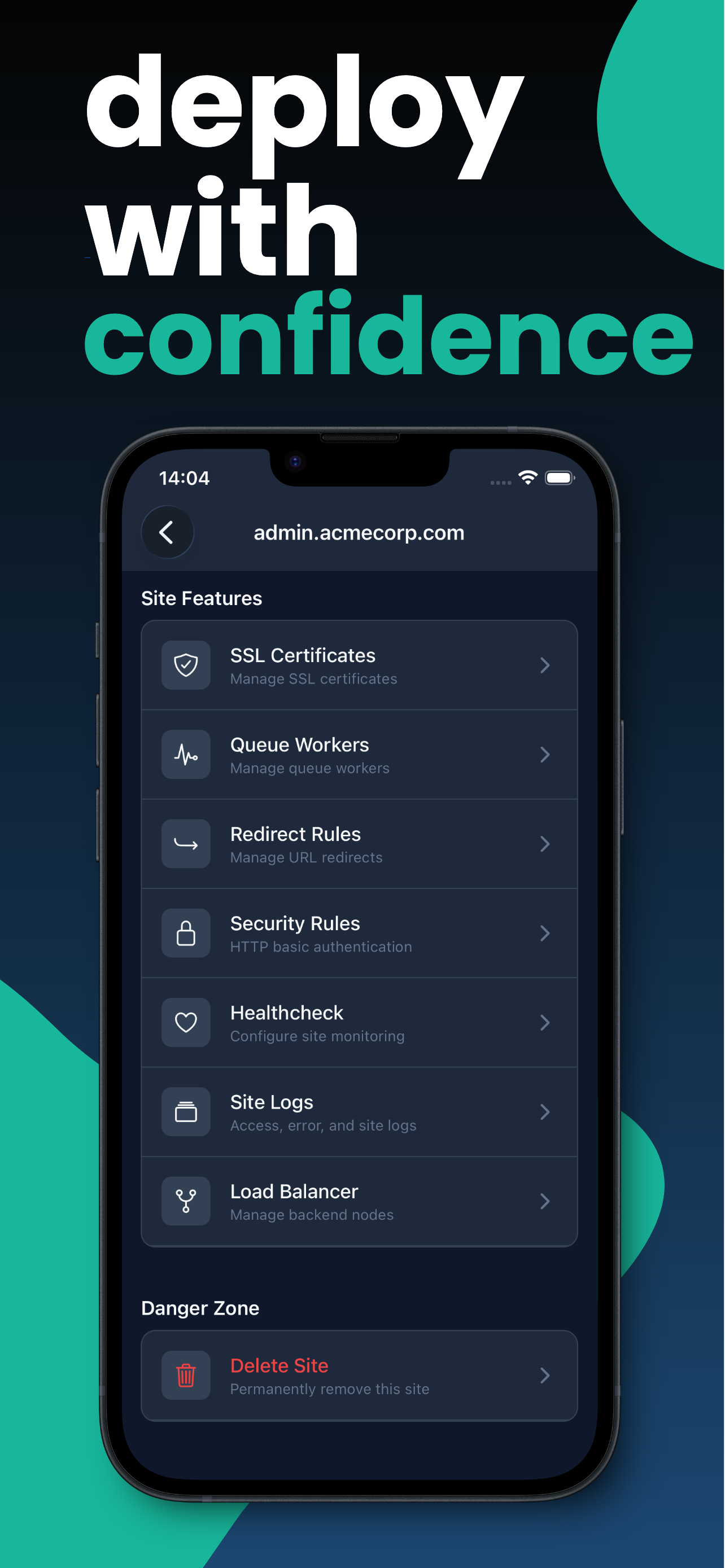
From a server overview to a site's details.
Review resources, open a site, and reach the controls you need. Screenshots show example Forge resources.
02 / Forge on your phone
Keep the tools you use close.
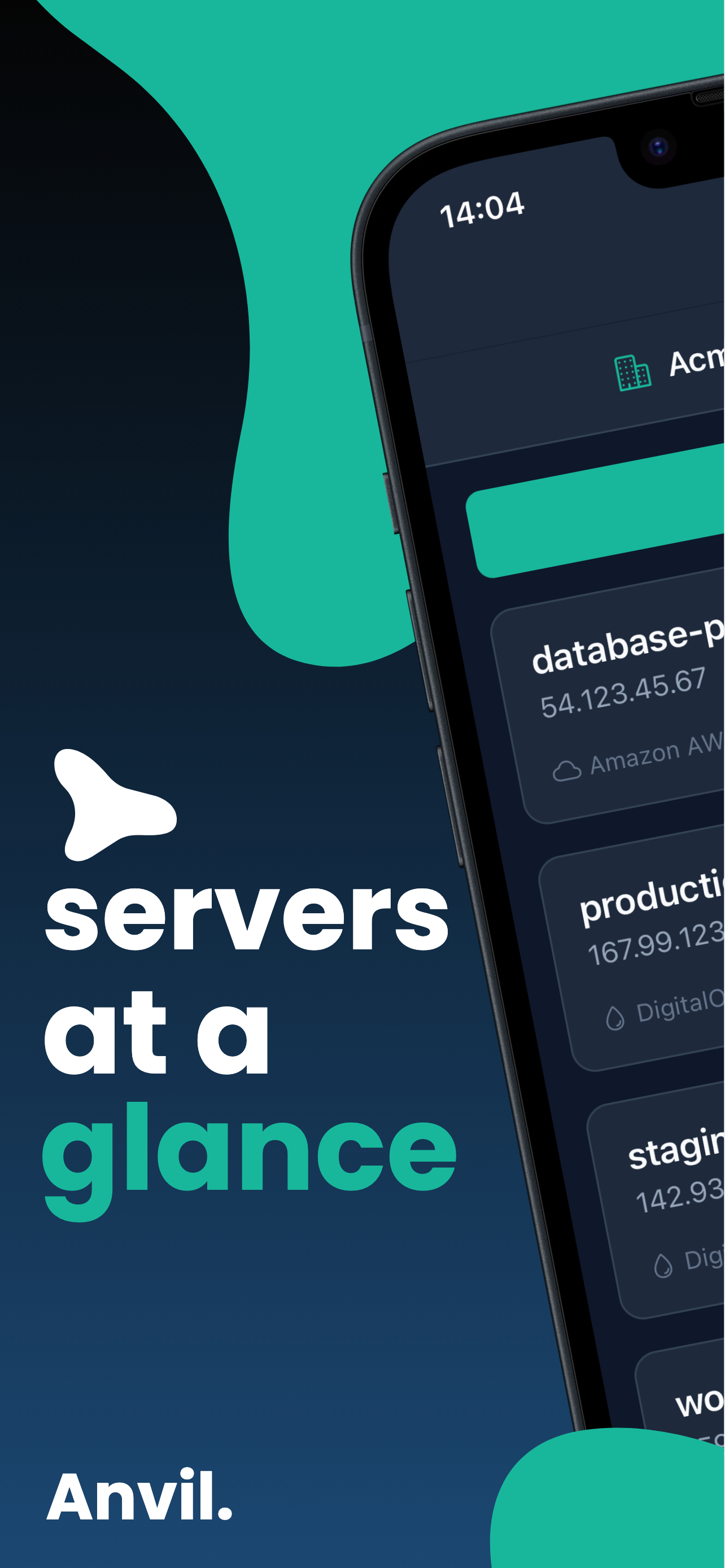
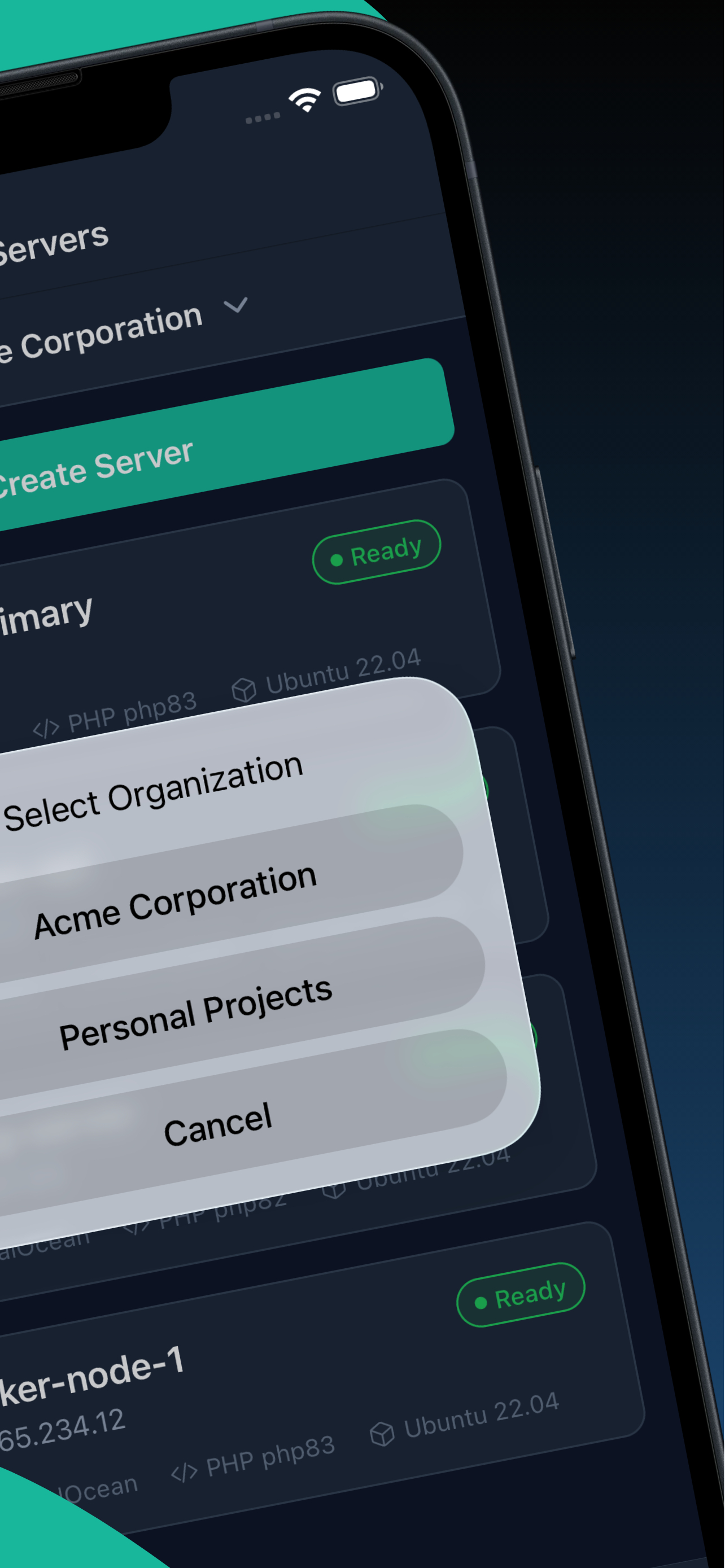
Manage servers and sites across your Forge organizations, with quick search and filtering.
Complete Server Overview
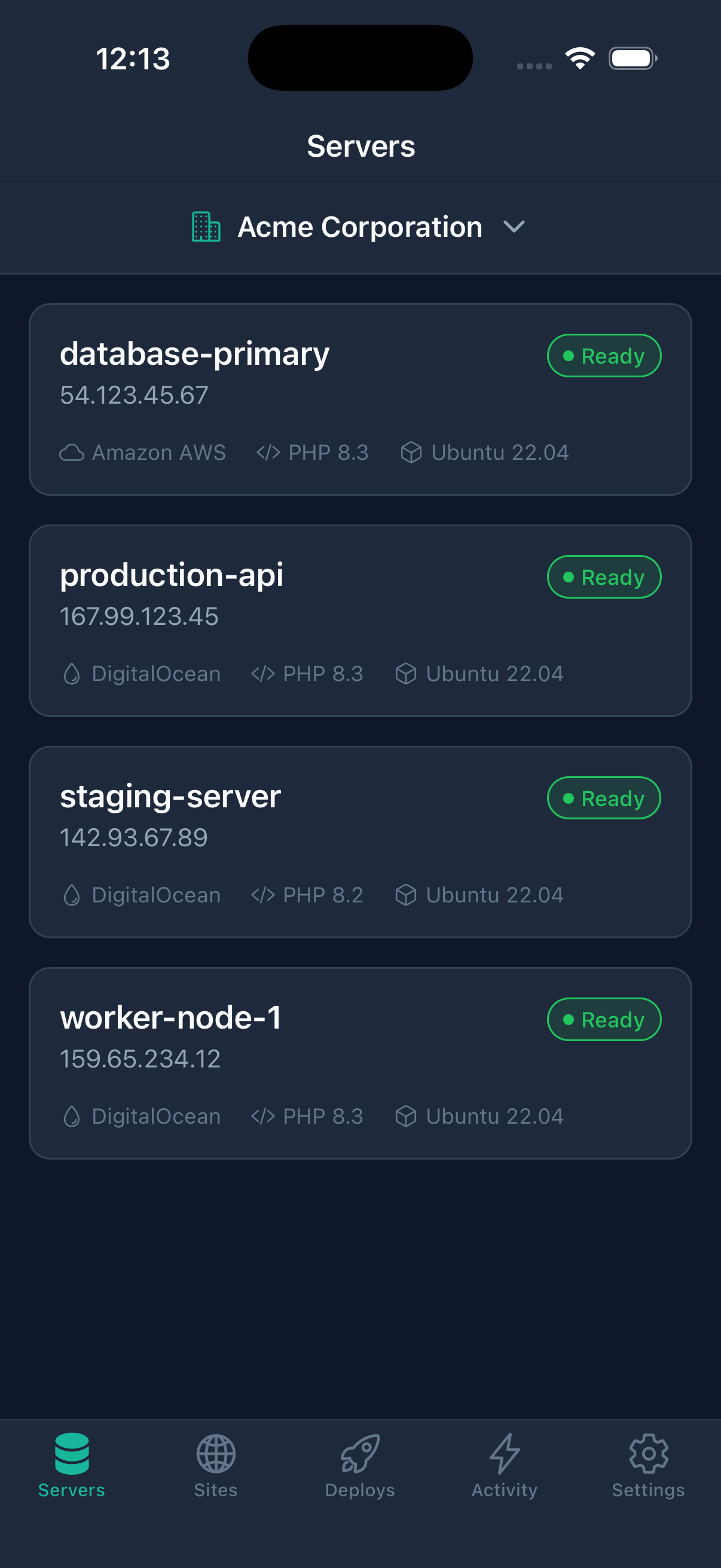
See all your servers at a glance across all organizations. Monitor status, view resources, and quickly access any server in your infrastructure. Multi-organization support, real-time server status, quick search and filtering, and server reboot controls keep server management close.
Powerful Site Management
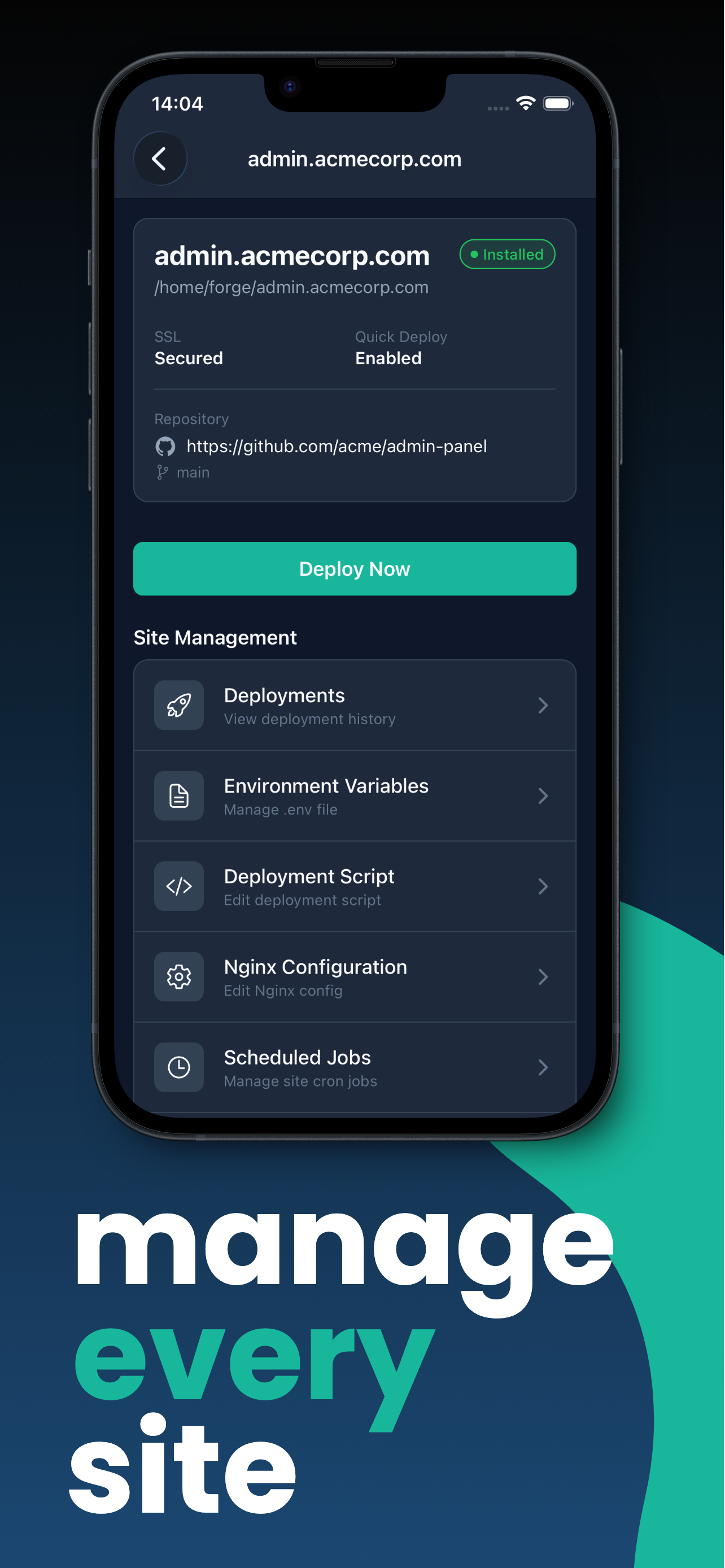
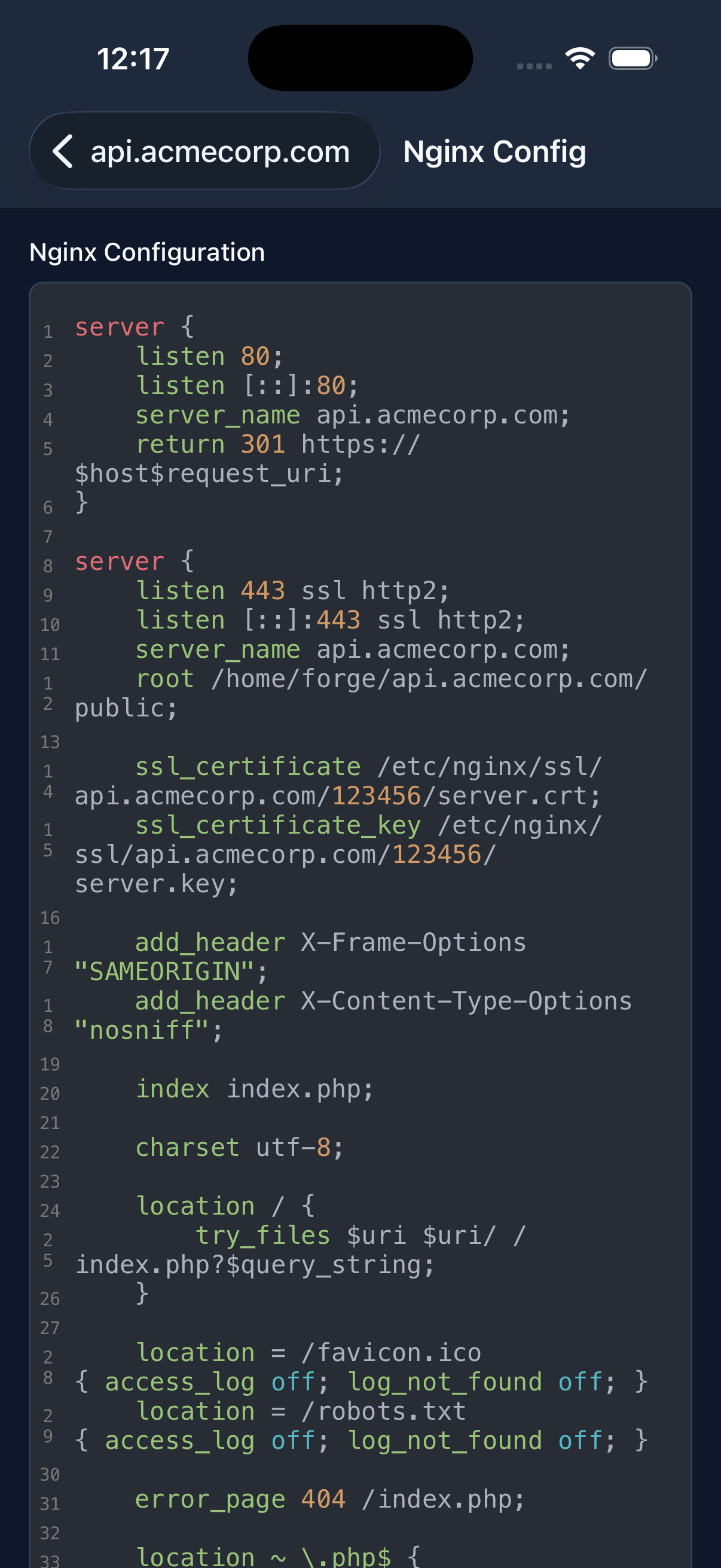
Manage all your sites from one place. Whether it's Laravel, WordPress, Next.js, or a static site, access environment variables, Nginx configurations, SSL certificates, and security rules from your phone.
One-Tap Deployments
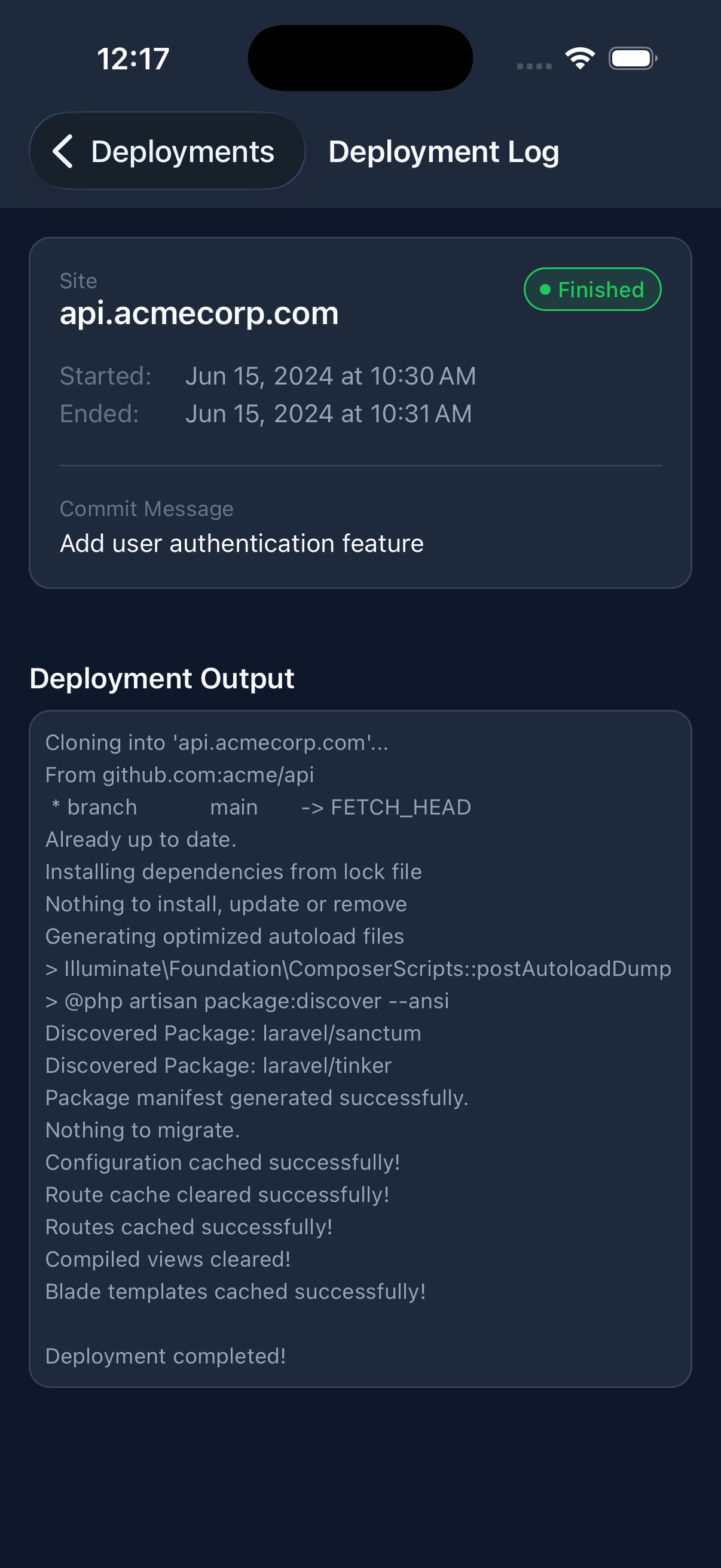
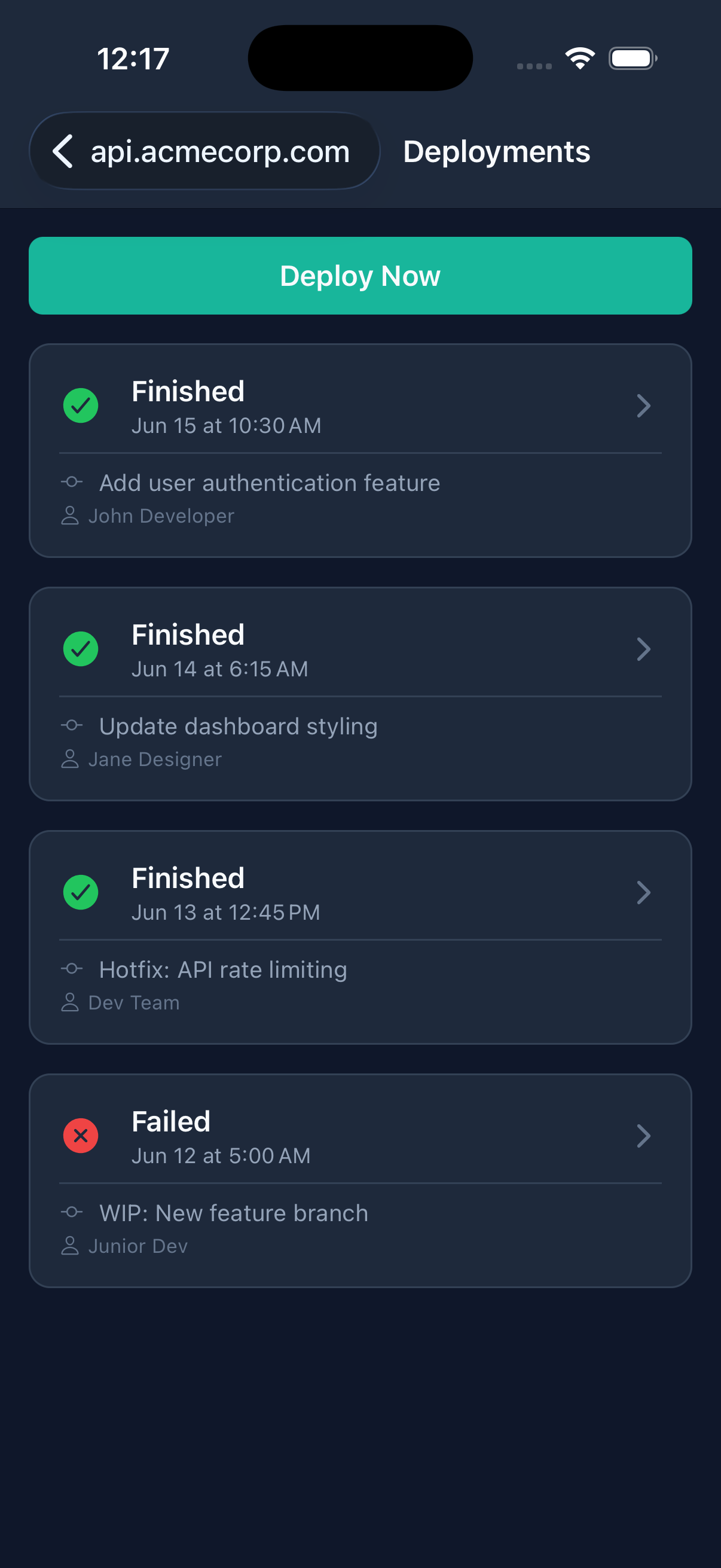
Deploy your code from anywhere. View deployment history, read complete deployment logs, and edit deployment scripts remotely. Instant deployments put the deploy action within reach.
Full Configuration Access
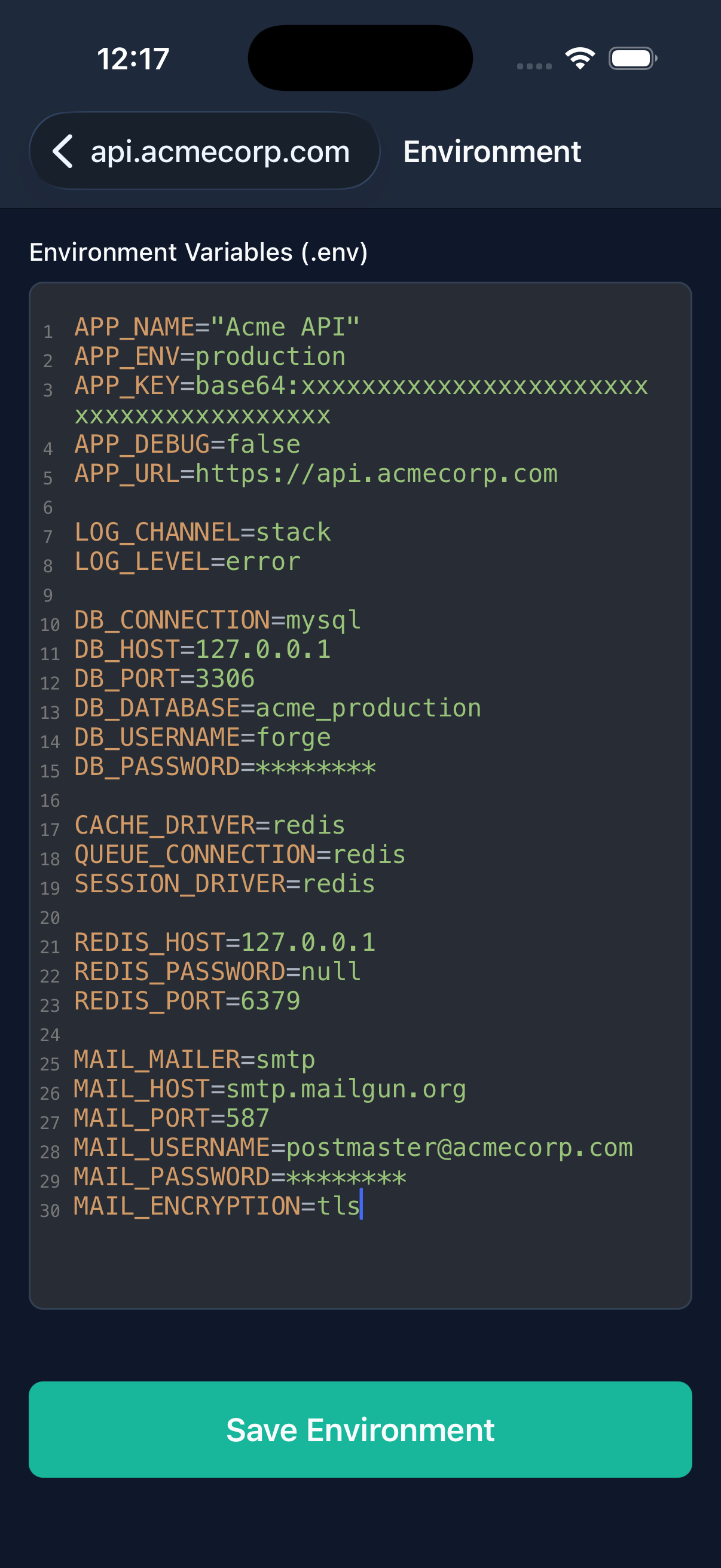
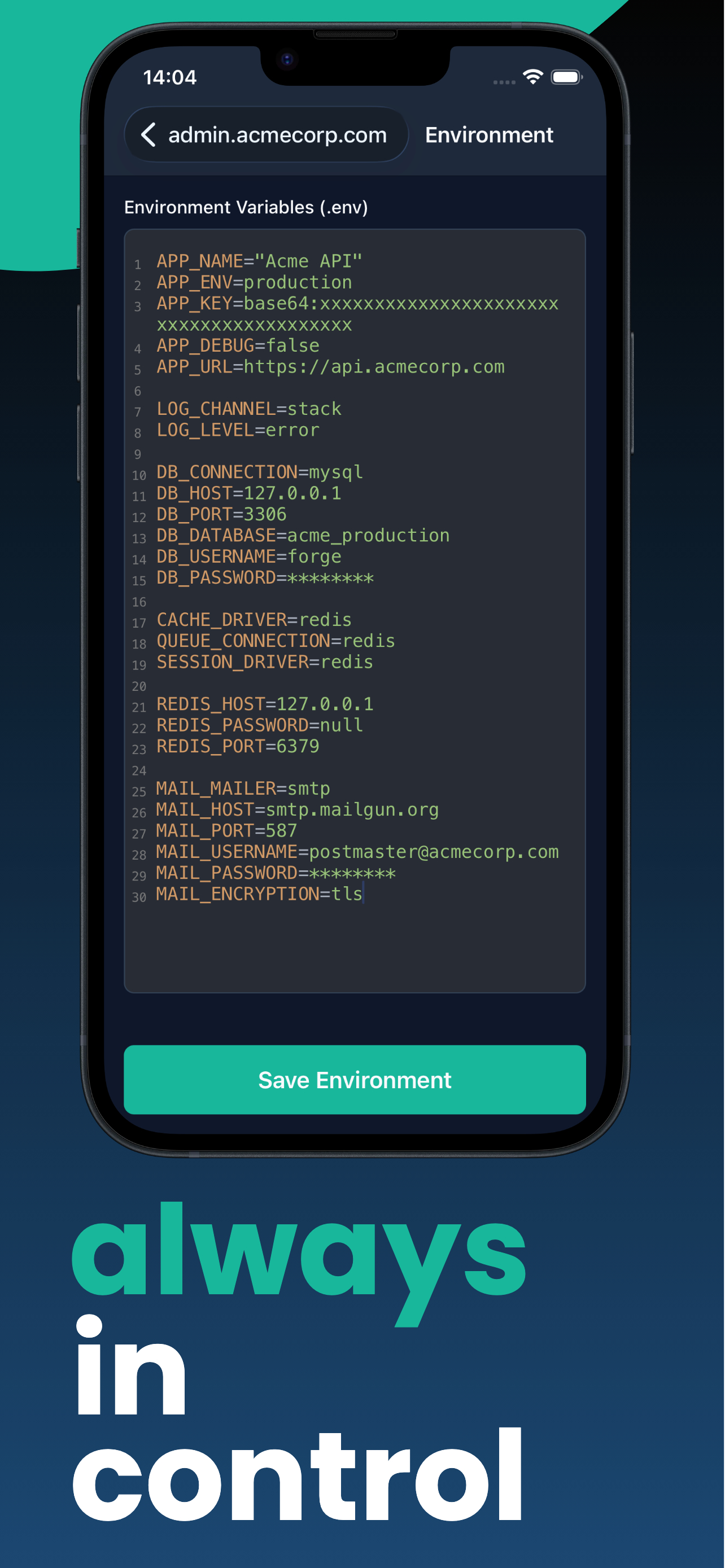
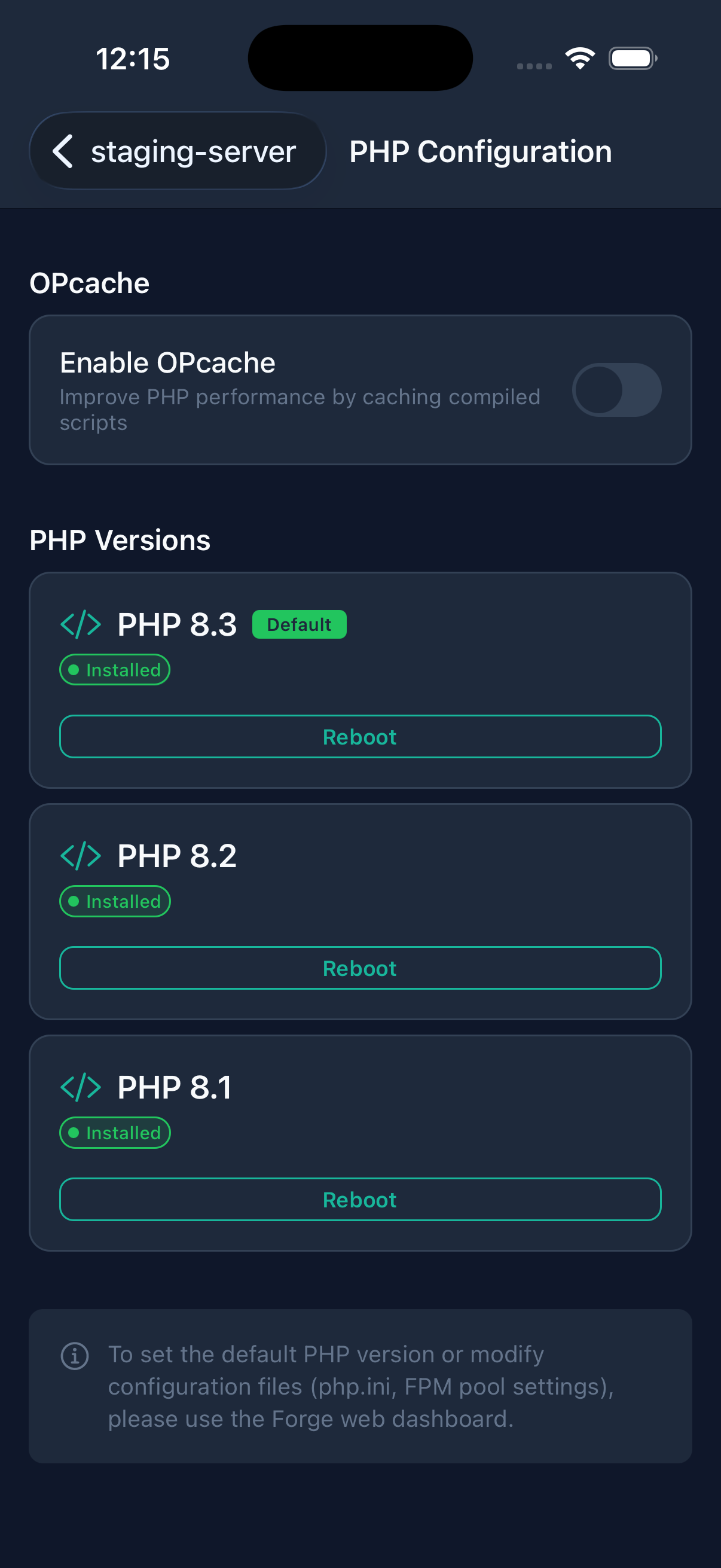
Edit environment variables, Nginx configs, and deploy scripts directly from your phone. Full syntax highlighting and validation included. Access the environment variable editor, Nginx configuration editor, and PHP configuration management.
SSL Certificates
Manage Let's Encrypt and other SSL certificates for your sites.
Databases
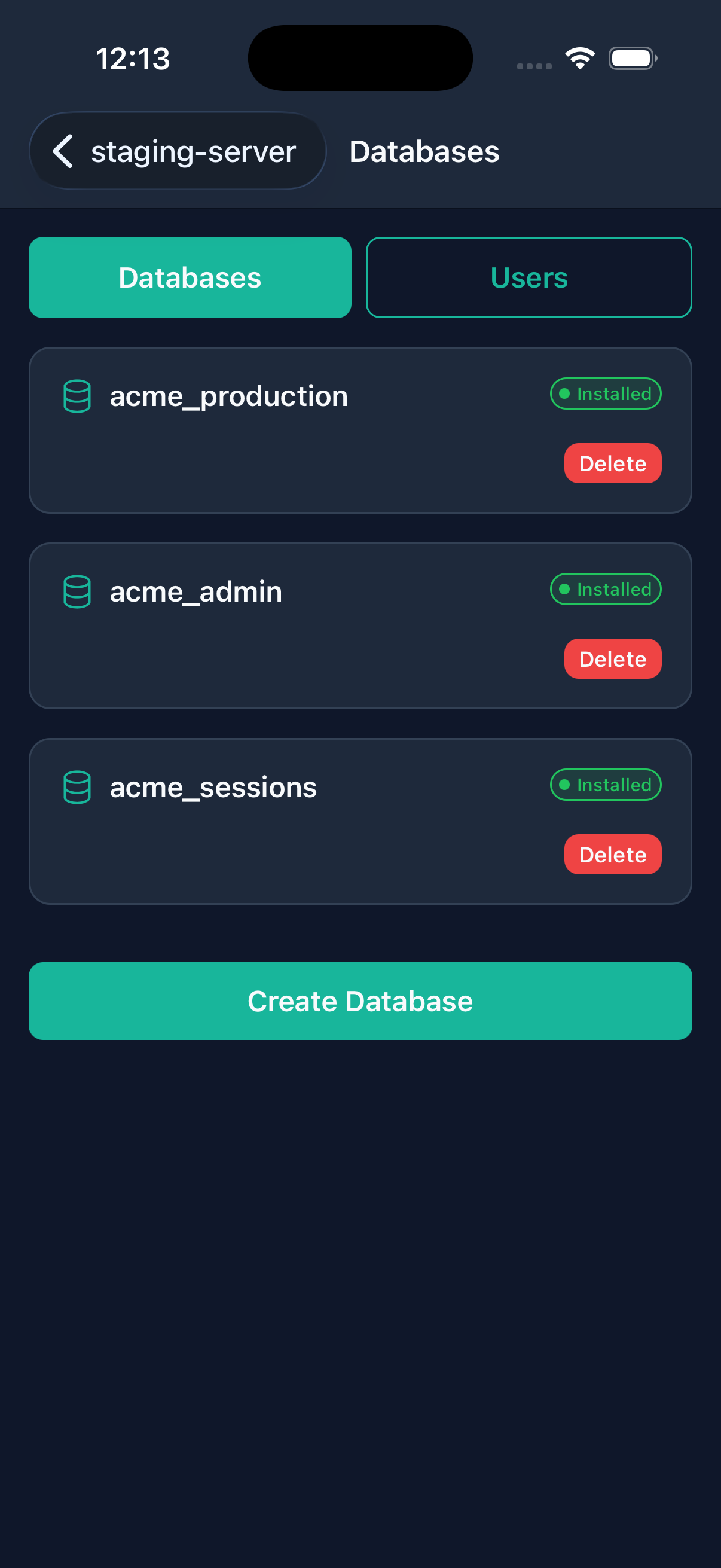
Manage MySQL, PostgreSQL, and Redis resources.
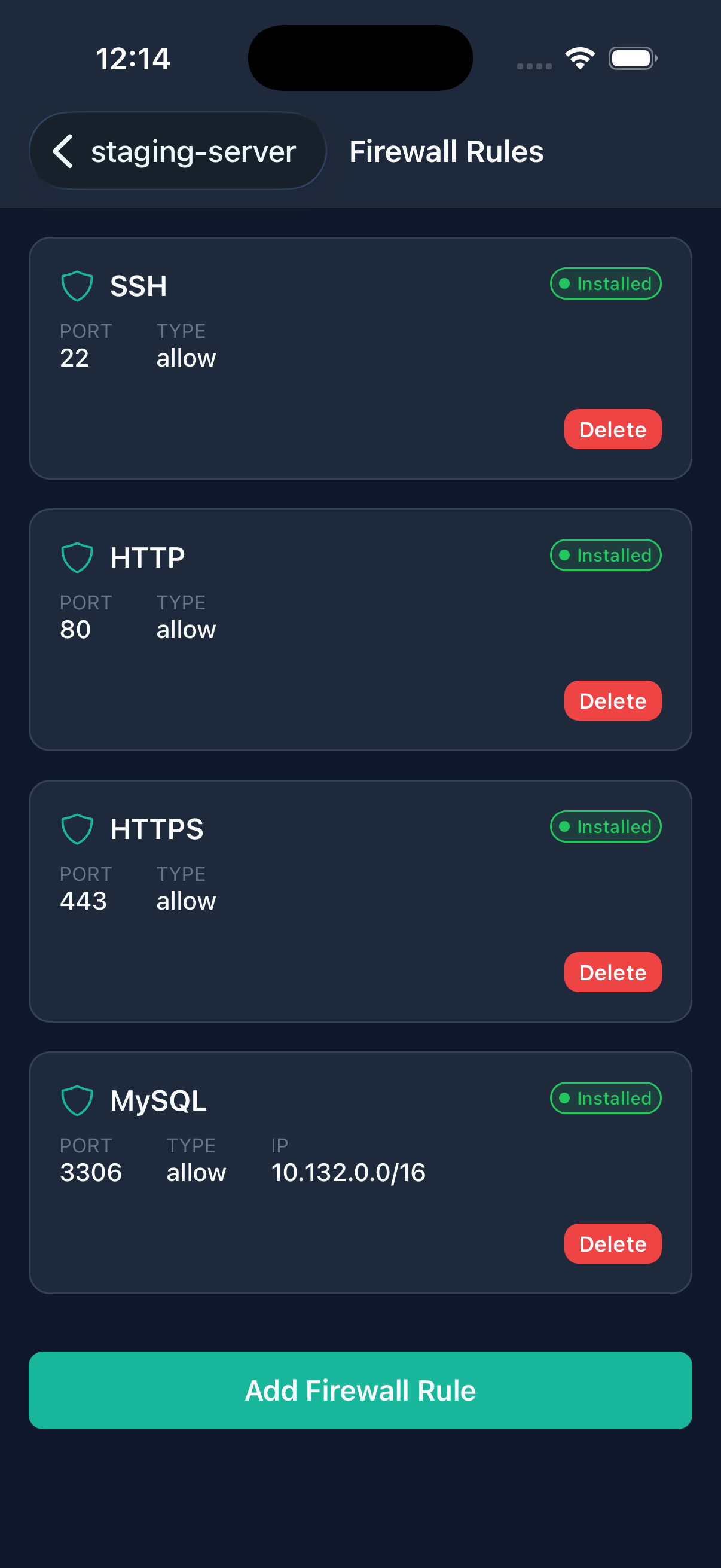
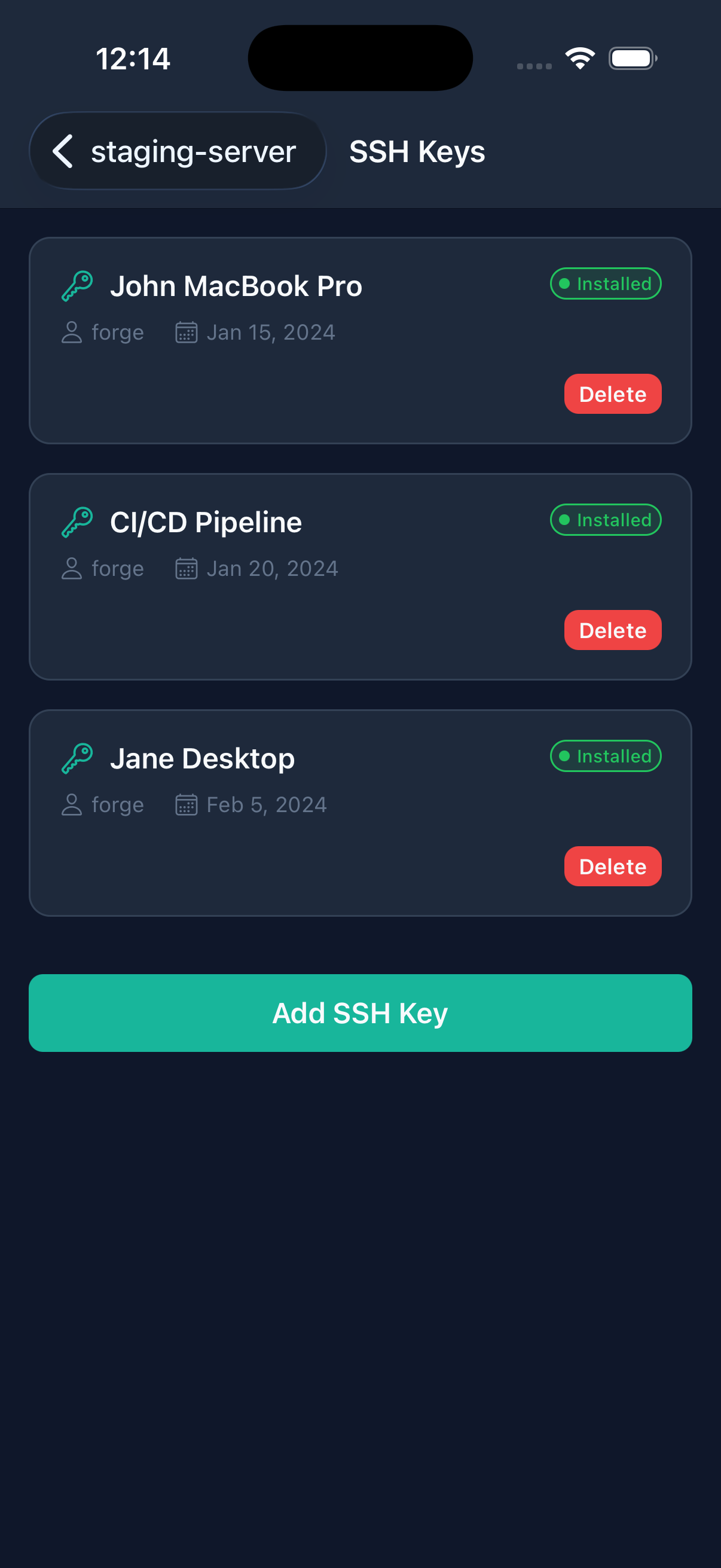
SSH & Firewall
Manage SSH keys, firewall rules, and server security.
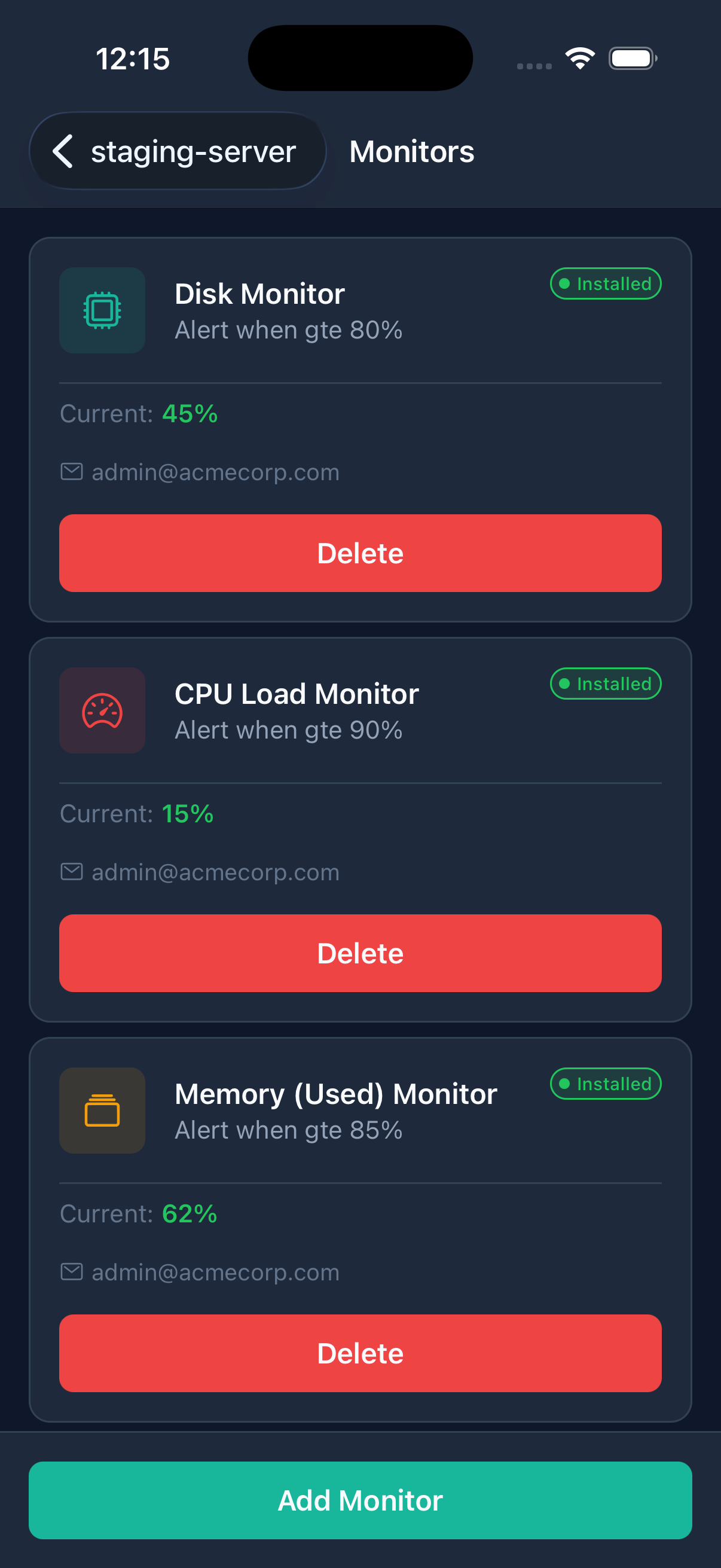
Monitoring
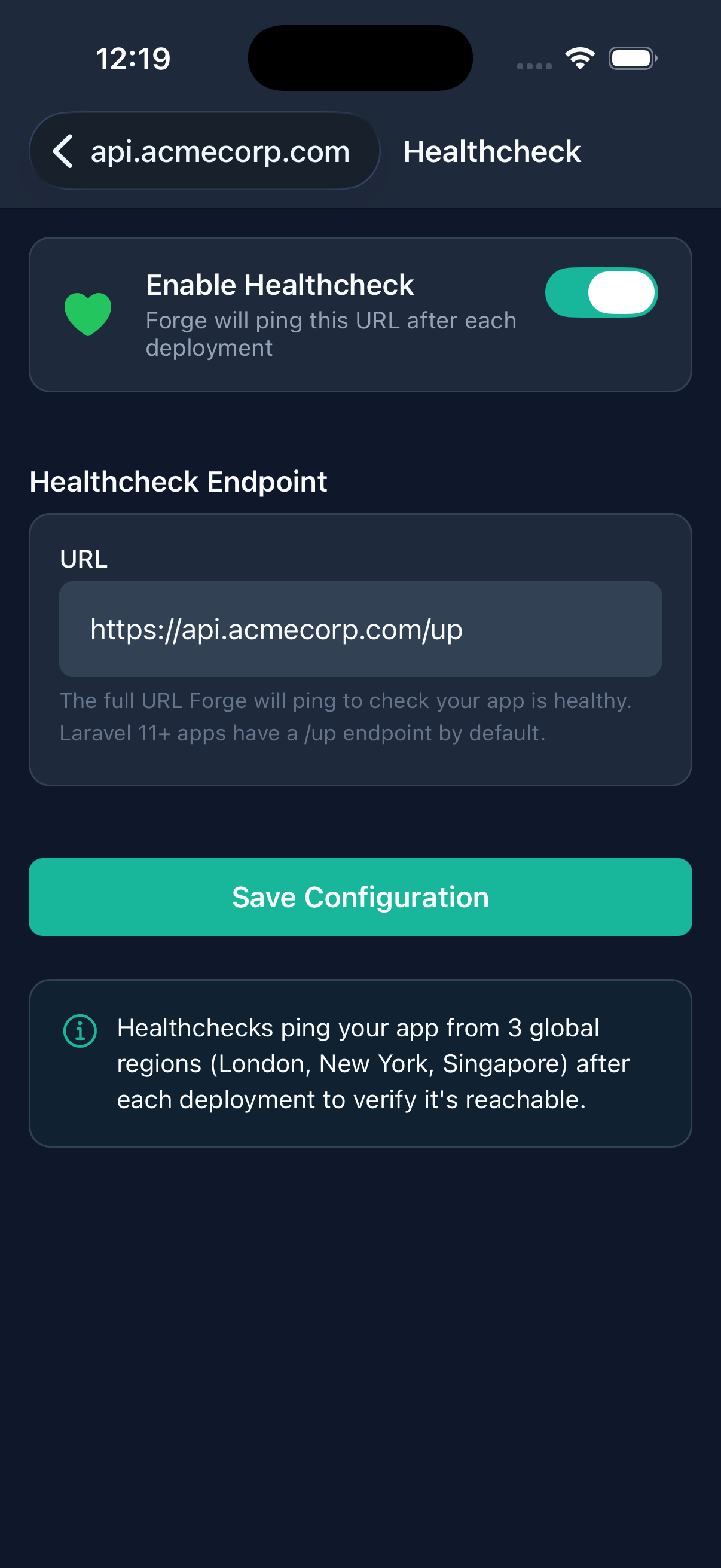
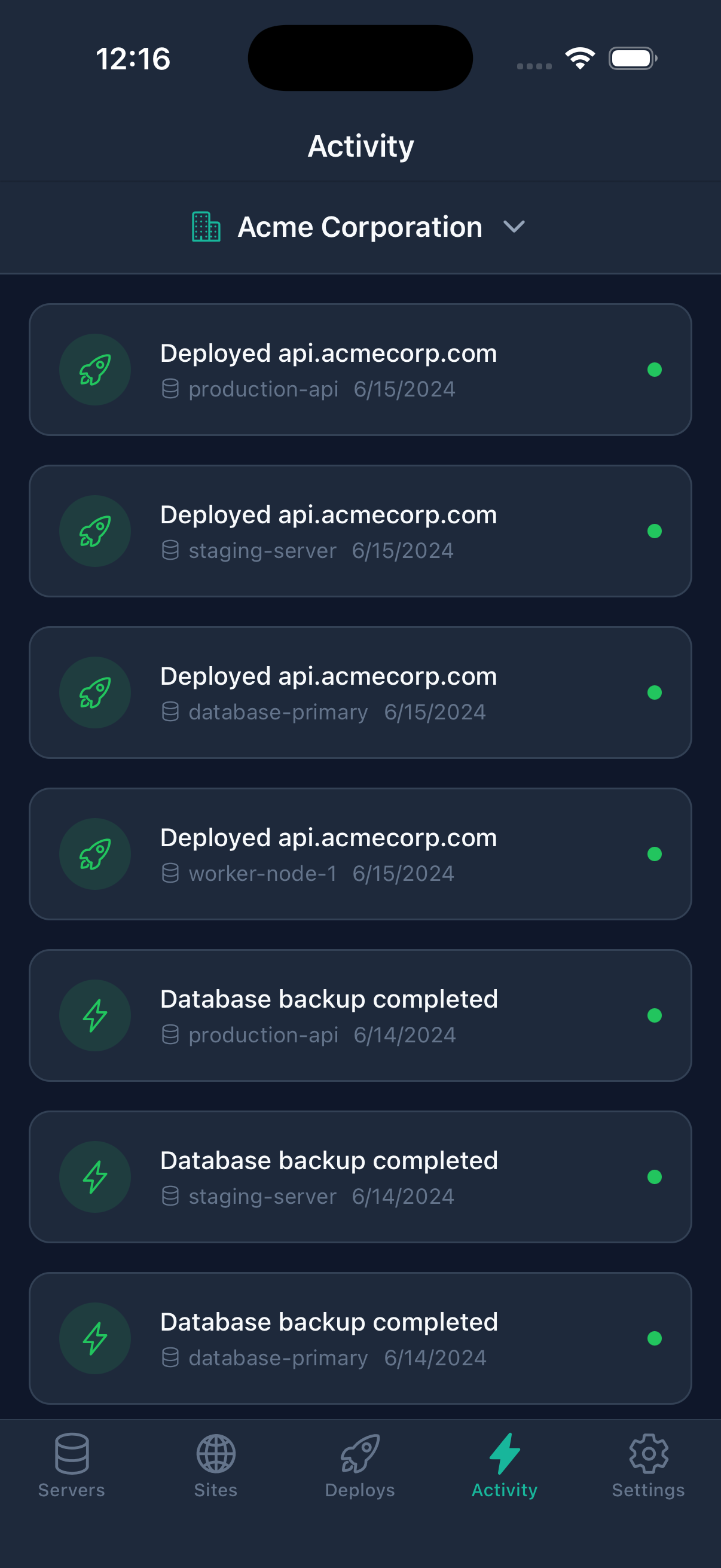
Review disk, memory, and CPU monitoring, health checks, heartbeats, and activity across your infrastructure.
PHP Config
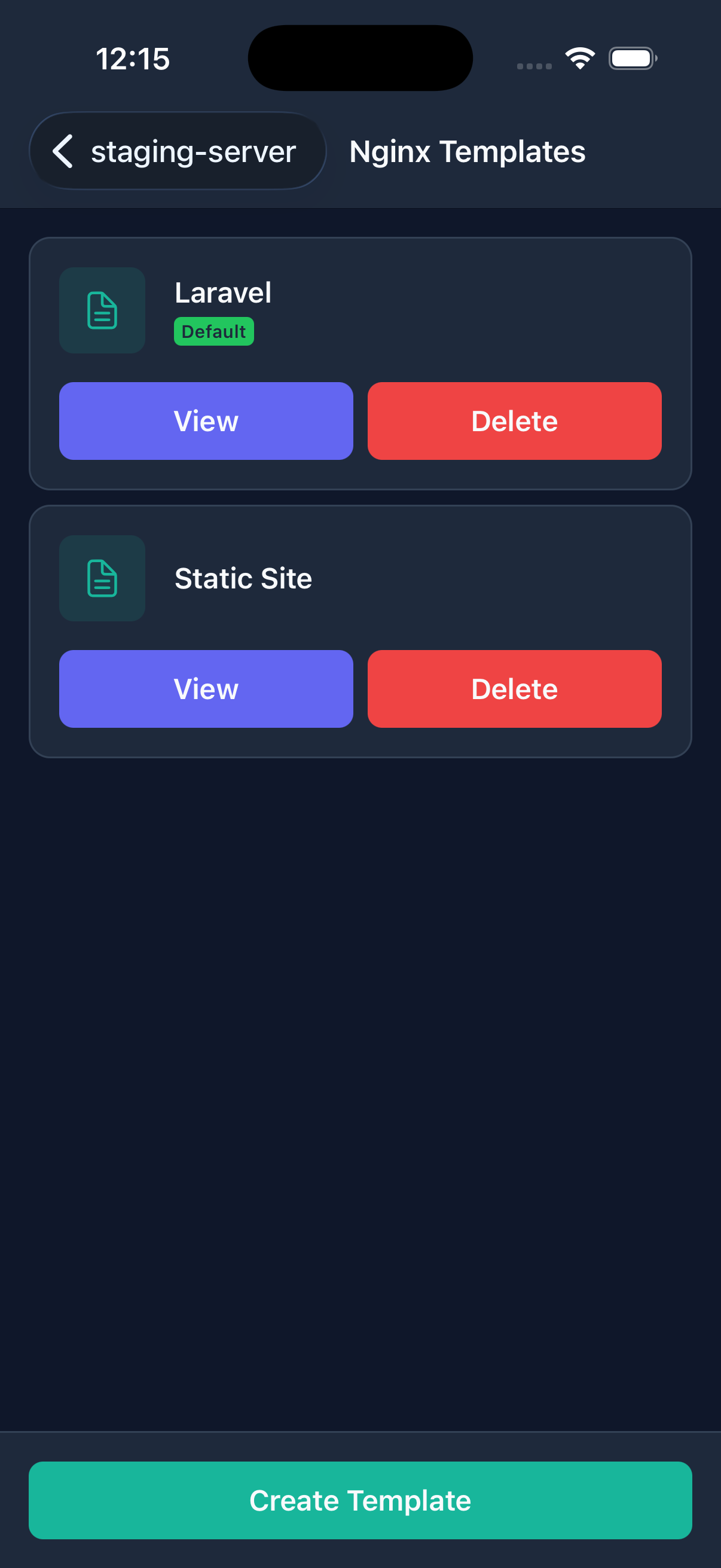
Manage PHP versions, FPM, and OPcache, alongside Nginx templates.
Daemons & Workers
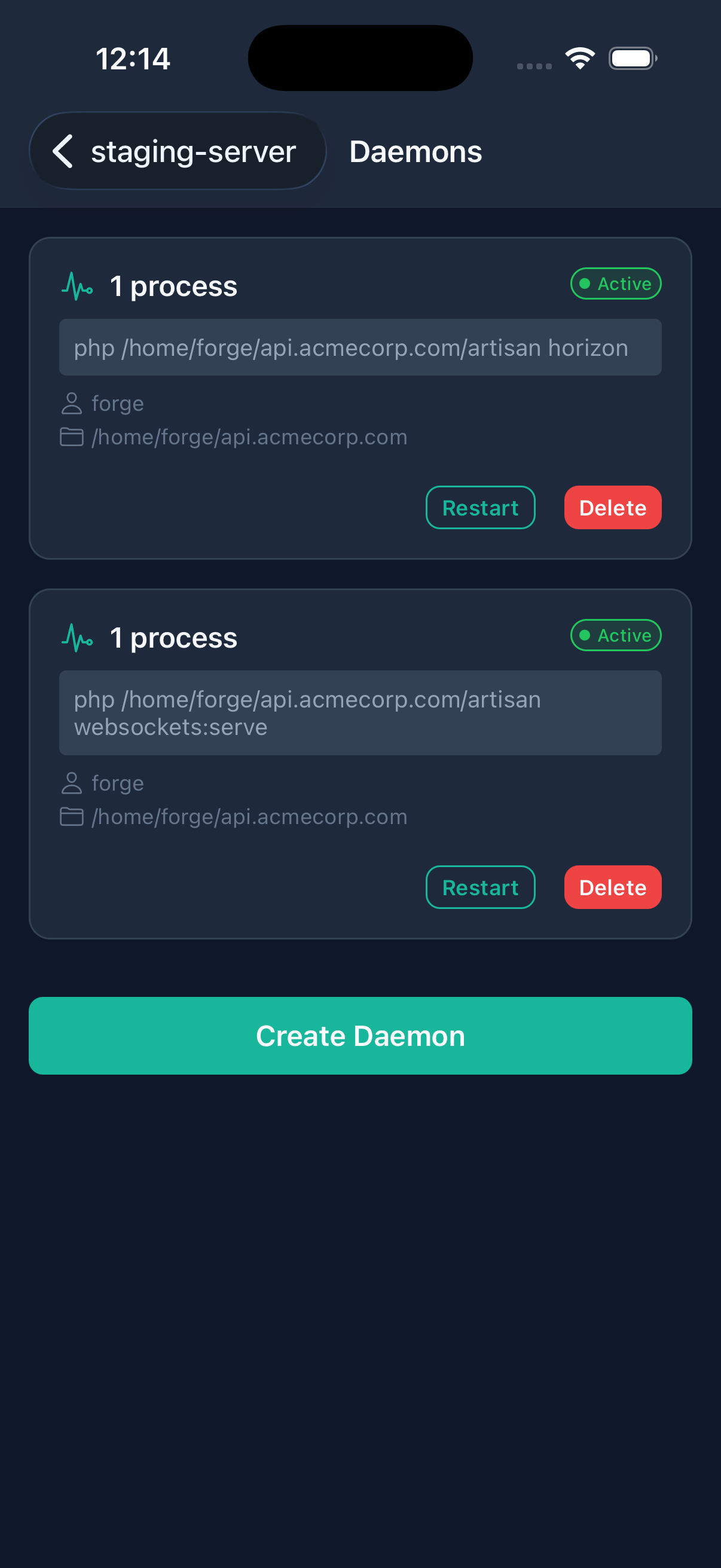
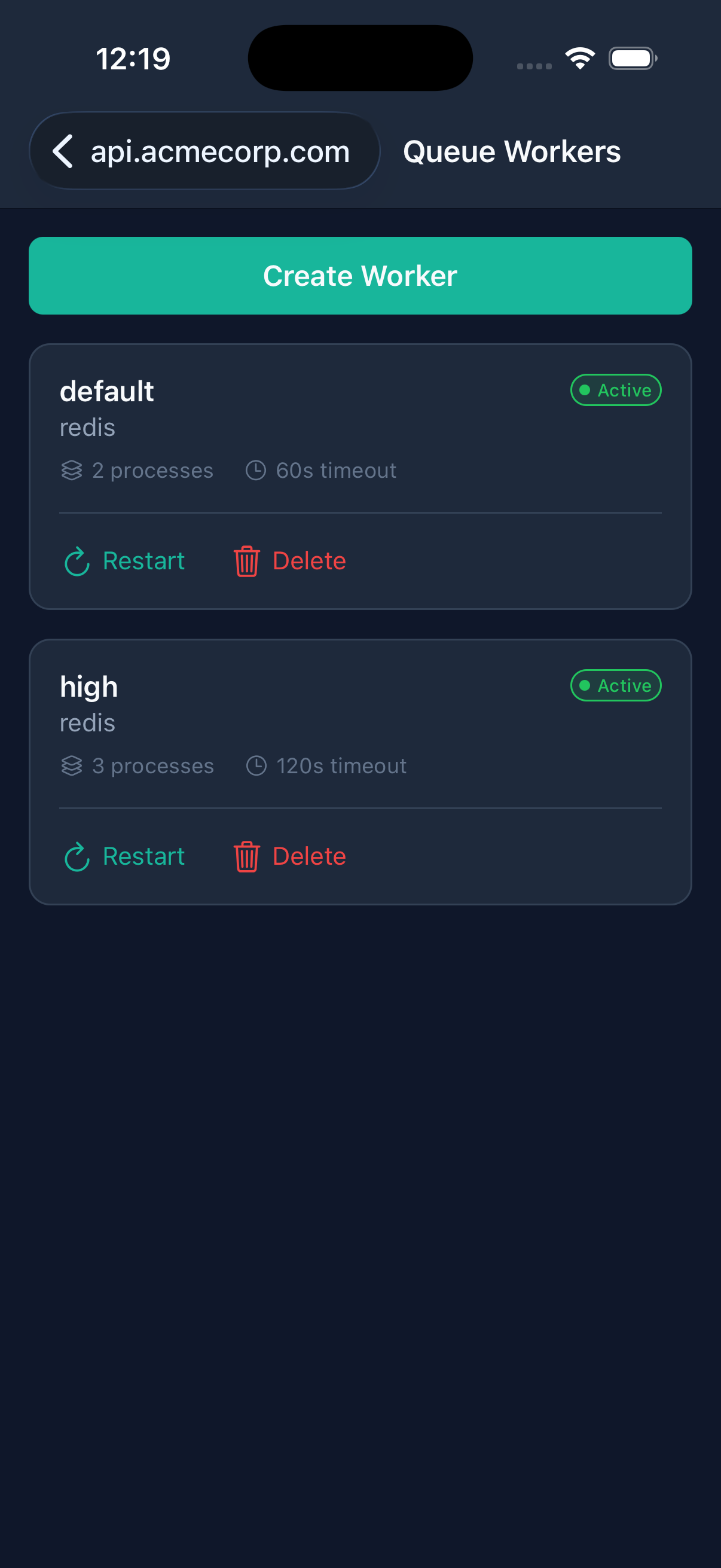
Manage queue workers, daemons, and background processes.
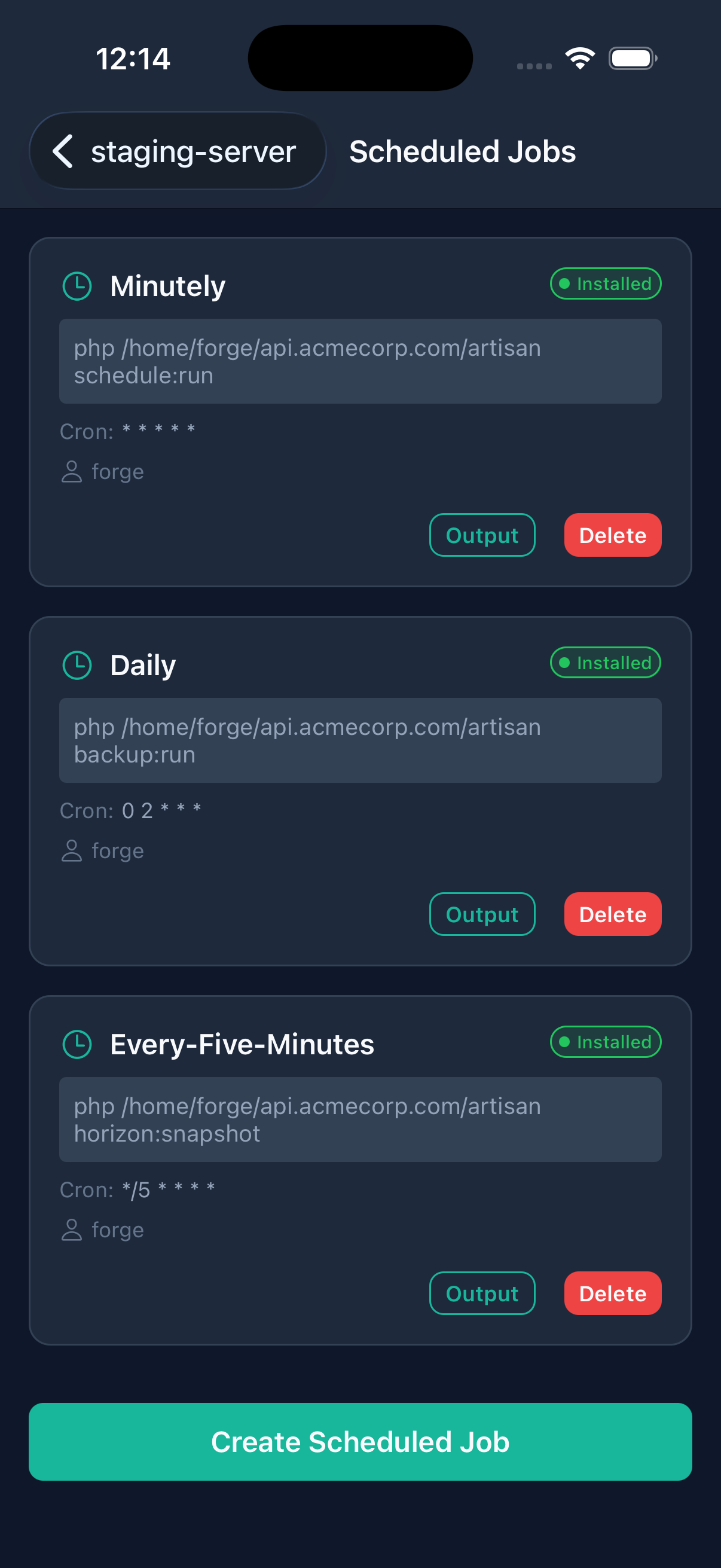
Scheduled Jobs
Manage cron jobs at the server and site level.
Git Integration
Manage integrations with GitHub, GitLab, Bitbucket, and more.
Teams
Manage roles, permissions, and collaboration across your Forge organizations.
03 / Screenshots
Manage servers. Inspect deployments. Edit configuration.
Open your server list, review a deployment, or edit environment variables directly from your phone.
04 / Screenshots
A closer look at the interface.
Browse organizations and servers, then take a closer look at deployments and configuration.
05 / Screenshots
Explore every feature.
Take a closer look at the controls for your servers and sites. Open any screenshot to view it at full size.



06 / Security & access
Connect directly to Laravel Forge.
Your Forge API token is stored securely on your device and sent directly to Laravel Forge over HTTPS to authenticate your requests.
Secure Storage
API keys are stored in iOS Keychain and Android Keystore using platform-native encrypted storage.
Biometric Lock
Protect your app with Face ID, Touch ID, fingerprint, or a custom PIN code.
Direct Connection
HTTPS communication goes directly to the Forge API. No middleman servers.
Anvil connects to your existing Forge account using your API key. Actions you take in the app affect your actual servers and sites. Keep backups and review changes before applying them.
Read the Anvil Privacy Policy for details about token storage, subscriptions, diagnostics, and local monitoring.
07 / Download & support
Start with a 2-week free trial.
Anvil Pro provides full access to all features, including server and site management, one-tap deployments, database administration, SSL, SSH, and firewall management.
Both plans include a 2-week free trial. Cancel anytime through your device's app store settings.
- Anvil Pro Monthly: $4.99/month, billed monthly.
- Anvil Pro Yearly: $39.99/year, billed annually. Save 33% compared with monthly billing.
Subscriptions renew automatically unless canceled. The trial converts to a paid subscription unless canceled before it ends. Manage cancellation through your device's app store settings; see the Anvil Terms of Service for the full subscription terms.
Anvil is available on the App Store. Android is coming soon.
Anvil support
For help, email [email protected].
Privacy Policy · Terms of Service
Anvil is not affiliated with Laravel, LLC or Laravel Forge.